Kelvin vs Tint: Fixing Green and Magenta Color Casts
Author: Fiat Lux Guides Editorial Team Reviewer: Fiat Lux Guides Editorial Team Most recently reviewed First published Filed under Color and White Balance
Kelvin (correlated color temperature) only adjusts white balance along the blue-amber axis, whereas Tint adjusts the perpendicular green-magenta axis (measured in lighting specs as Duv). Fixing sickly green or pinkish casts from LEDs, fluorescents, or tinted windows requires adjusting Tint alongside Kelvin—either in-camera via WB Shift or in post.
Belongs to the guide: Color Temperature and White Balance Explained
Checked by Fiat Lux Guides’ editorial desk against the cited sources.
If you have ever dialed in the exact Kelvin number for your lights and still ended up with sickly green or overly pink skin tones, you have run into the second half of color and white-balance fundamentals. White balance is not a single slider—it is a two-dimensional grid made of Kelvin (Blue–Amber) and Tint (Green–Magenta).
Understanding why lights drift off the Kelvin scale—and how cameras and fixtures correct that drift—helps you eliminate stubborn casts from LEDs, fluorescent tubes, and window glass without fighting your files in editing.
What is the difference between Kelvin and Tint?
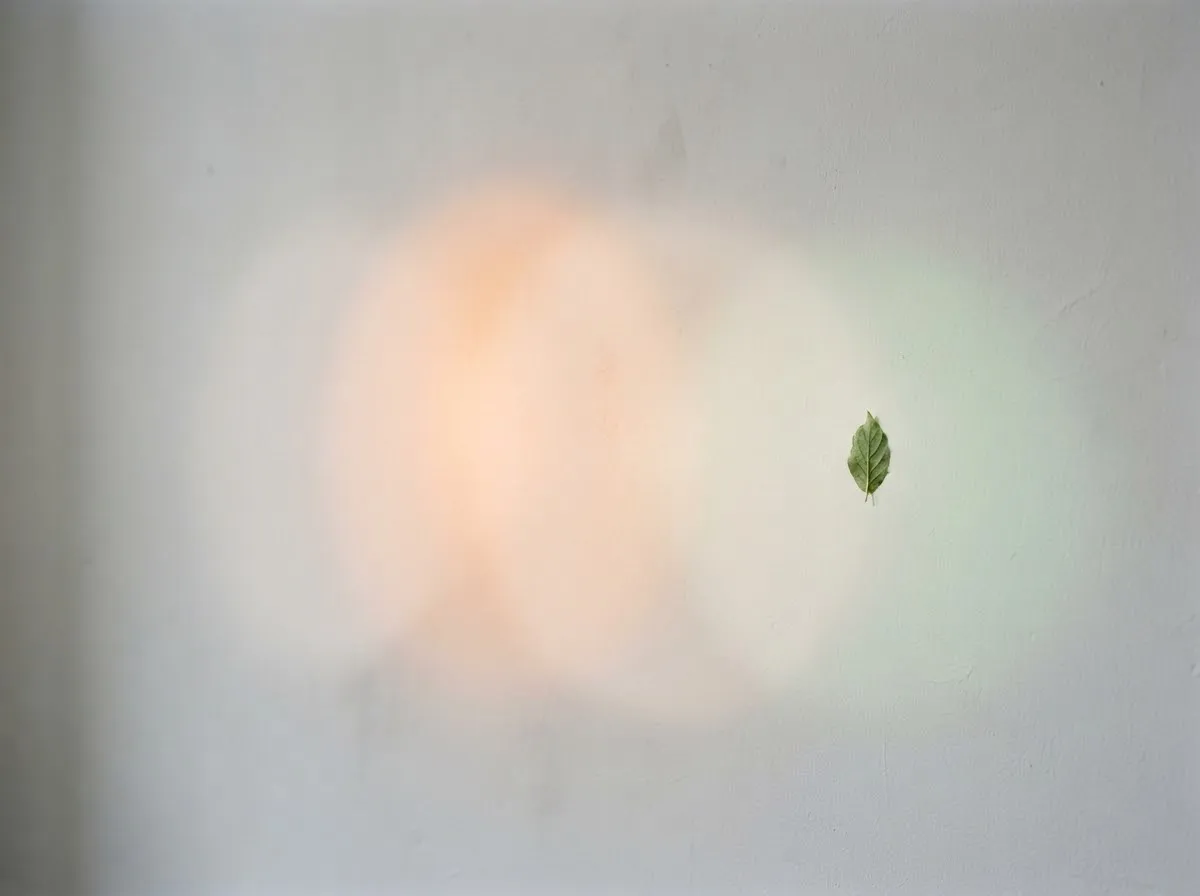
Kelvin (Correlated Color Temperature, or CCT) moves color along the Blue–Amber axis, while Tint moves color along the perpendicular Green–Magenta axis.
When physicists heat an idealized blackbody radiator, its color shifts smoothly from deep red-amber (around 2,000 K) through neutral white (around 5,500 K–6,500 K) to cool blue (10,000 K). That curve is called the Planckian locus. Daylight and tungsten halogen bulbs sit right on or very close to that curve.
However, as U.S. Department of Energy (DOE) colorimetry documentation explains, real-world discharge lamps and LEDs do not always land directly on the Planckian locus. They can have the exact same Kelvin rating as sunlight or tungsten while sitting above or below the curve:
- Positive
Duv(above the curve): The light leans greenish or yellowish-green (often seen with fluorescent tubes, some LEDs, and light passing through green-tinted glass). - Negative
Duv(below the curve): The light leans pinkish or magenta (seen with some LEDs or light bounced off colored surfaces).
Because a Kelvin-only adjustment only slides along the curve, no amount of Kelvin adjustment can remove a Duv offset. You have to adjust Tint in the opposite direction.
Why do two 5600 K lights sometimes not match?
Two 5600 K lights can look completely different on camera if one has a Duv near zero and the other has a positive or negative Duv. Even when both fixtures are marketed as “daylight balanced” and show 5600 K on our Kelvin color temperature chart, one may cast a faint green hue on skin while the other leans slightly magenta.
This is also why EBU Tech 3355 says its TLCI result is only truly credible when the luminaire’s chromaticity lies close to that of its derived CCT (a distance below 1)—and why you should check CRI and TLCI explained when evaluating lights.
How to fix green and magenta casts in-camera
You have two reliable ways to correct Tint before you press record or take a photo:
1. Use your camera’s White Balance Shift / Fine Adjustment
Every modern mirrorless and DSLR camera includes a 2D white balance grid:
- Canon (
WB Shift/Bkt.): As documented in the Canon EOS R5 manual, you move a mark on a screen using the directions B (Blue), A (Amber), M (Magenta), and G (Green), and the image’s white balance shifts in the direction you move it. One level of Blue/Amber correction equals about 5 mireds. Moving towardMcounteracts a green cast and moving towardGcounteracts a magenta cast. - Sony and other brands: Most cameras offer a similar white balance fine-adjustment with Blue–Amber and Green–Magenta axes; the menu path varies by model, so check your camera’s manual.
2. Shoot a Custom White Balance with a gray card
Setting a custom white balance with a gray card measures the actual RGB balance of the light hitting your subject. Because the camera reads all three color channels at once, it automatically calculates both the Kelvin value and the Green–Magenta offset in a single step.
How to fix green and magenta casts at the light source
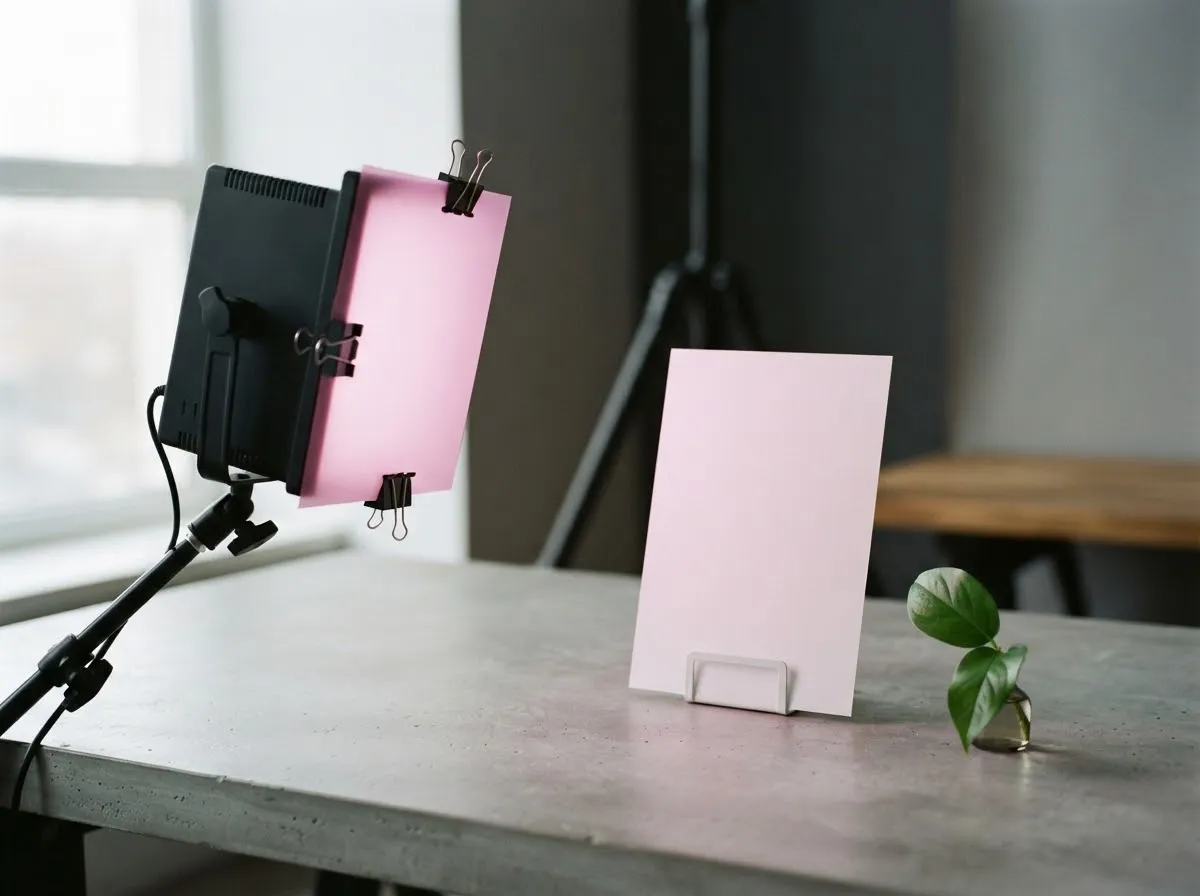
If you are mixing two lights in the same scene—for example, a studio LED and window light—fixing tint in-camera only works for one of those lights. To fix a mismatched fixture before it hits your subject:
- Use a light with Plus/Minus Green control: Higher-end tunable LEDs such as the Aputure Nova P300c include a built-in Green–Magenta adjustment alongside CCT, letting you match a fixture directly to window light or another brand’s panel.
- Use Minus Green or Plus Green gels: On lights without digital tint control, theatrical color-correction gels (Minus Green to remove green, Plus Green to add green when matching fluorescent room lights) bring the fixture onto the same
Duvplane as your other sources. See mixed lighting and color casts for matching strategies.
Fixing Tint in post: RAW vs JPEG and video
If you miss a tint shift on set, your recovery margin depends on your file format (covered in detail in RAW vs JPEG white balance):
- RAW stills: Because white balance is applied non-destructively during RAW conversion, you can slide Tint toward Magenta or Green freely without losing tonal detail.
- JPEG stills and compressed video: Tint shifts are baked into 8-bit color channels. Aggressive green-magenta corrections in post can leave blotchy skin tones or color banding, making in-camera WB Shift or Custom White Balance well worth the extra 30 seconds on set.
For more on camera color settings and our verification standards, read white balance basics and our verification process.
Common questions
Why does my photo still look green even when I set the right Kelvin?
Kelvin only moves white balance along the blue-to-amber (cool-to-warm) line. Some fluorescent tubes, LEDs, and tinted windows can sit above the blackbody curve (positive Duv), giving them a greenish cast at any Kelvin setting. You must add magenta via your camera's Tint or WB Shift control.
What is Duv in lighting specs?
Duv (Delta u'v' or distance from the Planckian locus) measures how far a light's chromaticity sits above or below the theoretical blackbody curve at a given Kelvin temperature. In DOE documentation, +Duv lies above the Planckian locus and -Duv below it; by the usual convention, positive Duv looks greenish-yellow and negative Duv looks pinkish-magenta.
How do I fix a green cast in-camera?
Open your camera's White Balance Shift or Fine-Adjustment grid (such as WB Shift/Bkt. on Canon, or the white balance fine-adjustment on Sony and other brands) and move the marker toward M (Magenta). Alternatively, shoot a neutral gray card using Custom White Balance, which measures both Kelvin and tint.
Do all LED lights have green or magenta shifts?
No, but lower-cost or aging LEDs and fluorescent fixtures often drift off the Planckian locus. Higher-end cinema and video LEDs specify tight color tolerances and often provide a built-in Green/Magenta (+/- G/M) dial so you can match them to daylight, tungsten, or other camera lights.
Can I fix a green or magenta tint in post-production?
If you shoot still photos in RAW, yes—the Tint slider in RAW editors adjusts the green-magenta axis cleanly without degrading image quality. If you shoot JPEG or compressed 8-bit video, heavy tint corrections can cause color banding or muddy skin tones, so fixing it in-camera or with gels is much safer.
What we checked
- U.S. DOE (Miller & Royer): Color Spaces and Planckian Loci, checked 2026-11-14 (www1.eere.energy.gov)
- Canon EOS R5 Product Manual: White Balance Correction (WB Shift/Bkt.), checked 2026-11-14 (cam.start.canon)
- Aputure Nova P300c Kit Official Specifications, checked 2026-11-14 (aputure.com)
- EBU Tech 3355: Television Lighting Consistency Index (TLCI-2012), checked 2026-11-14 (tech.ebu.ch)
You might also like
- Color Temperature and White Balance Explained
Learn Kelvin color temperature, camera white balance presets, green/magenta tint, CRI vs TLCI, and how to prevent mixed-lighting color casts.
- CRI and TLCI Explained: Color Accuracy of Lights
Understand what CRI and TLCI measure, why CRI can miss red skin tones on LEDs, and what TLCI scores mean for photo and video.
- Custom White Balance with a Gray Card
How to set custom white balance in-camera with a gray or white card for accurate skin tones under LEDs, window light, and mixed lighting.
- Lighting Gels: CTO and CTB for Color Matching
Match tungsten, daylight, and LED sources using CTO and CTB lighting gels, mired shift math, and light transmission loss.
- Matching LED Lights to Daylight
How to match LED video and photo lights to window daylight using Kelvin presets, mired shifts, and camera white balance without mixed color casts.
- Mixed Lighting and Color Casts: Why Skin Looks Orange or Blue
Fix orange and blue color casts caused by mixing window light, household lamps, and LEDs. Learn how to match light color temperatures on set.