Flash Sync Speed and High-Speed Sync Explained
Author: Fiat Lux Guides Editorial Team Reviewer: Fiat Lux Guides Editorial Team Most recently reviewed First published Filed under Lighting Gear
Flash sync speed is the fastest shutter speed at which your camera's shutter opens completely so a single flash burst illuminates the entire sensor, typically 1/200 s or 1/250 s on focal-plane shutters. High-speed sync (HSS) pulses the flash rapidly so you can shoot up to 1/8000 s, at the cost of reduced effective flash range.
Belongs to the guide: LED vs Strobe vs Speedlight: What to Start With
Checked by Fiat Lux Guides’ editorial desk against the cited sources.
Understanding flash sync speed is essential as soon as you move beyond continuous lamps into LED and flash comparison workflows. Every camera with a focal-plane shutter has a hard ceiling—called the maximum flash sync speed—above which a single burst of flash can no longer illuminate the entire sensor evenly.
Knowing where that ceiling sits, why it exists, and how high-speed sync (HSS) works around it helps you control ambient light and depth of field without mysterious black bars ruining your frames. It also determines how much effective power your speedlight versus strobe tradeoffs setup actually delivers outdoors.
What is flash sync speed?
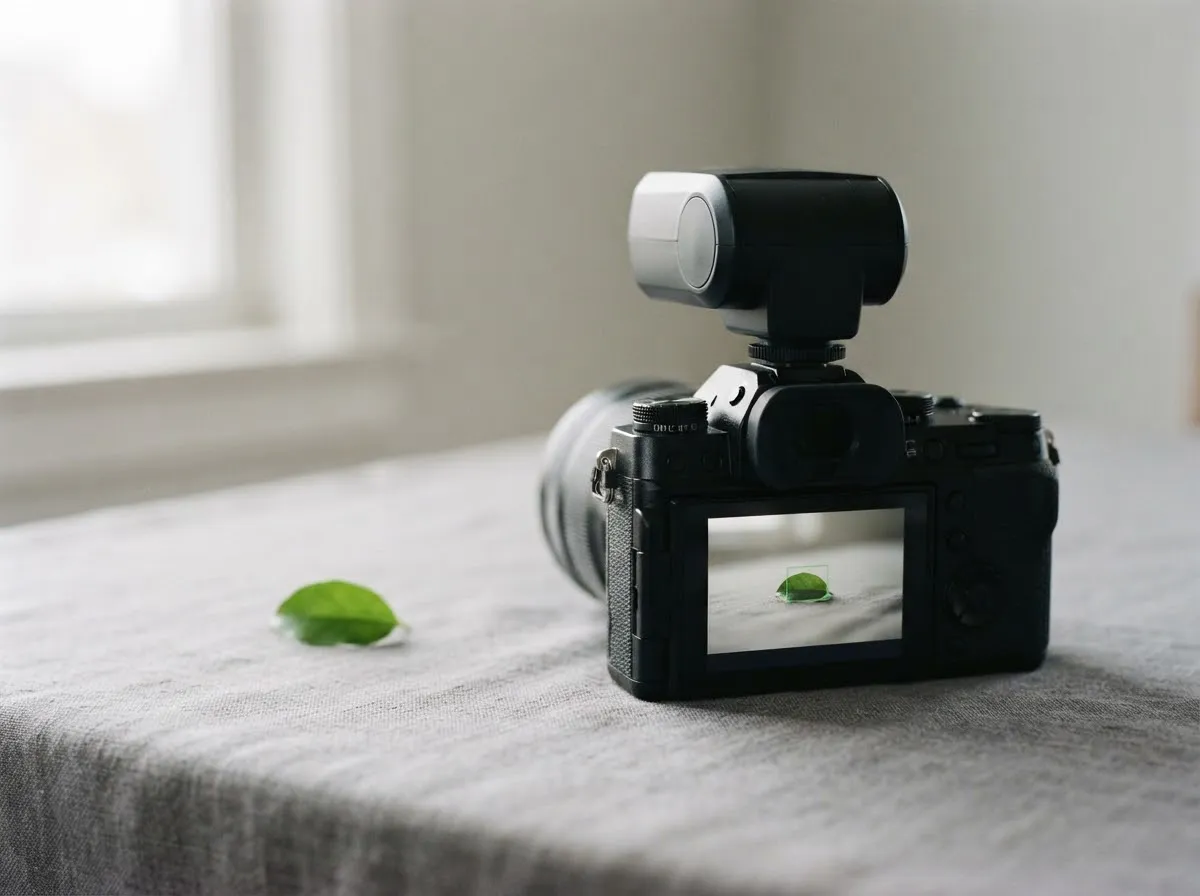
Flash sync speed is the fastest shutter speed at which both curtains of a mechanical focal-plane shutter are completely open at the same time. During that brief window, the camera triggers the flash so a single pulse of light exposes the entire image sensor simultaneously.
Most modern interchangeable-lens cameras have a maximum flash sync speed around 1/200 s or 1/250 s. For example, Canon’s EOS R6 Mark II manual lists a maximum sync speed of 1/200 s with a mechanical shutter and 1/250 s with an electronic first-curtain shutter on full-frame, rising slightly to 1/250 s and 1/320 s when cropped to APS-C. Similarly, Nikon’s Z 7 and Z 6 reference manual lists 1/200 s as the base flash sync speed.
Because a focal-plane shutter uses two curtains—one to uncover the sensor and a second to cover it back up—shutter speed is controlled in two ways:
- At or below the sync speed (for example, 1/60 s or 1/200 s): The first curtain travels all the way across the sensor, pauses while the sensor is completely exposed, and only then does the second curtain start moving. The flash fires during that fully open pause.
- Above the sync speed (for example, 1/1000 s): The shutter curtains cannot physically travel across the sensor any faster. Instead, the second curtain starts chasing the first curtain before it reaches the opposite edge, forming a narrow moving slit across the sensor.
Why do black bars appear when you exceed sync speed?
A black bar appears because part of the sensor is physically blocked by a shutter curtain at the instant the flash fires. A speedlight or strobe burst is extremely brief compared to the time it takes shutter curtains to cross the frame.
If you force a non-HSS flash to fire at 1/500 s or 1/1000 s on a camera rated for 1/200 s sync, only the narrow slit between the two curtains is open when the flash pops. The area under the slit receives flash light, while the rest of the sensor covered by the curtain receives only ambient light (or appears as a dark, underexposed band).
How does high-speed sync (HSS / Auto FP) work?
High-speed sync replaces a single high-intensity flash burst with a rapid series of lower-power pulses timed to last for the entire transit of the shutter slit. Camera makers use slightly different names for this feature—Canon calls it High-Speed Sync (HSS), while Nikon calls it Auto FP High-Speed Sync—but the mechanism is the same.
Instead of firing once, the flash behaves like a brief continuous light for the few milliseconds it takes the shutter slit to sweep from one side of the sensor to the other. As Nikon’s Z 7 / Z 6 manual explains, enabling Auto FP allows compatible flashes to synchronize at shutter speeds all the way up to 1/8000 s.
Two practical behaviors noted in manufacturer manuals are worth keeping in mind:
- Automatic engagement: Once HSS (or Auto FP) is enabled on the flash and camera, it only activates when your shutter speed is faster than the maximum sync speed. At or below the sync limit, the camera automatically drops back to normal single-burst sync.
- Compatibility requirement: Both the camera and the flash (plus any wireless trigger between them) must support HSS/Auto FP. A manual-only or non-compatible flash unit remains capped at the camera’s standard sync speed.
What is the power trade-off of high-speed sync?
High-speed sync significantly reduces your flash’s effective output and working distance as shutter speed increases. Because the flash must spread its stored capacitor energy across multiple rapid pulses—and each part of the sensor only sees the light while the narrow shutter slit passes over it—much of the flash energy is blocked by the moving curtains.
Canon’s Speedlite EL-10 manual explicitly warns that in high-speed sync, the faster the shutter speed, the lower the effective guide number. You can check how far your flash will reach at different power levels using our light distance exposure calculator or by reviewing flash guide number explained.
In addition to lower effective range, HSS places heavier thermal stress on the flash tube and circuitry. Canon’s EL-10 manual notes that repeated continuous shooting in HSS can cause the flash head to overheat, leading the unit to reduce its continuous flash count to protect itself.
When should you use high-speed sync vs an ND filter?
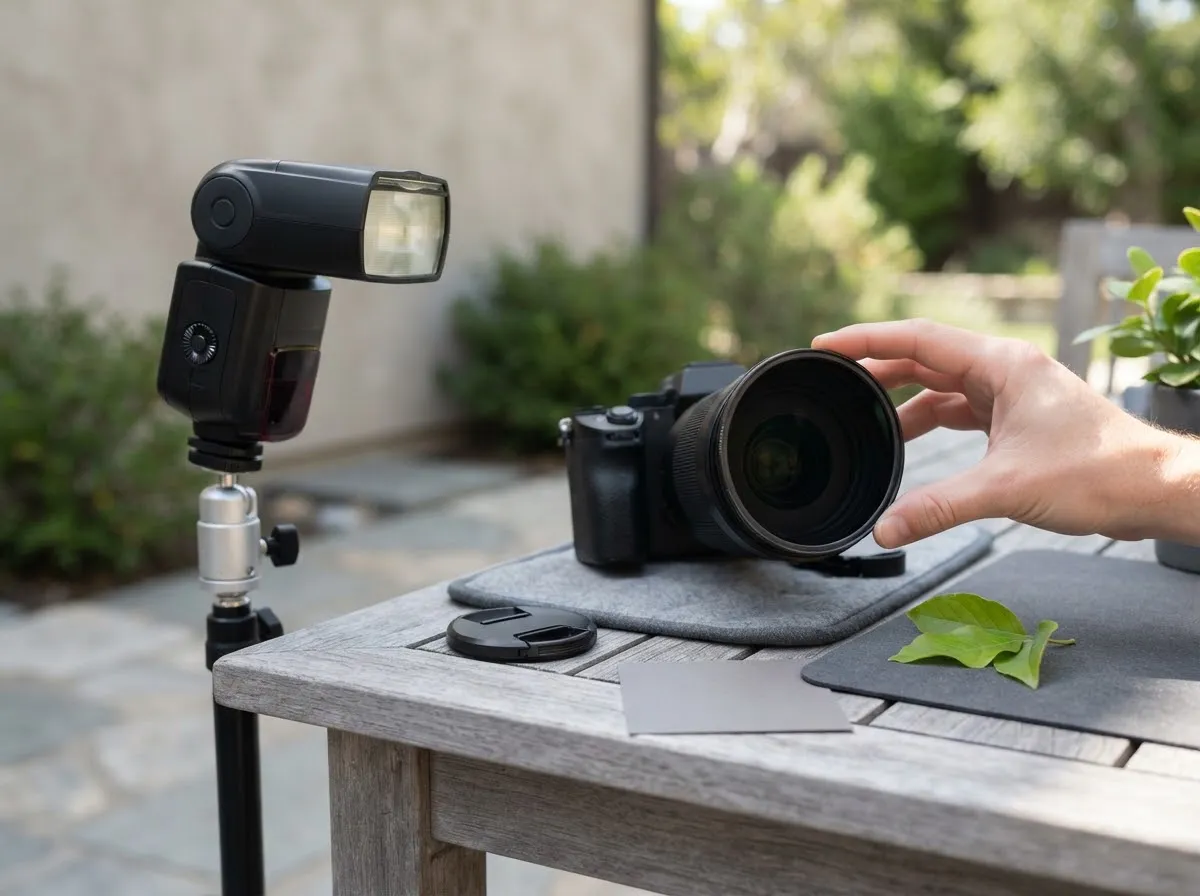
Use high-speed sync for convenience when your subject is close and you have spare flash power; use a neutral density (ND) filter when you need maximum flash output in bright sun. Both tools solve the same daylight problem—letting you shoot at a wide aperture like f/1.8 or f/2.8 without overexposing the background—but they affect flash power differently.
| Factor | High-Speed Sync (HSS) | Neutral Density (ND) Filter |
|---|---|---|
| Shutter speed | Faster than sync speed (up to 1/8000 s) | At or below sync speed (e.g., 1/200 s) |
| Effective flash range | Drops as shutter speed increases | Normal single burst, but the filter also cuts flash by its stop value |
| Motion freezing | Freezes ambient motion via fast shutter | Relies on flash duration in dim ambient; shutter limit applies in sun |
| Setup speed | Instant toggle on flash/trigger | Requires screwing or sliding filter onto lens |
| Viewfinder brightness | Unchanged | Darkens optical viewfinder (minimal effect on EVF) |
Because an ND filter reduces all light entering the lens, both sunlight and flash, by the same number of stops, it does not give you “free” flash power compared to normal sync. What it does is keep the flash in normal single-burst mode, so you avoid the HSS efficiency penalty and the HSS overheating limits in rapid bursts. Which option leaves more usable range depends on the flash, the shutter speed and the ND strength, so test your own gear.
What about slow sync and rear-curtain sync?
Slow sync and rear-curtain sync operate below your maximum flash sync speed to balance flash with ambient light. While HSS solves the problem of too much ambient light, slow sync solves the opposite problem: dark backgrounds indoors or at twilight.
As Canon’s EOS R6 manual explains under its Slow Synchro and E-TTL Balance settings, using a slower shutter speed (such as 1/30 s or slower) lets more ambient room or evening light register on the sensor while the flash freezes the foreground subject. In First-curtain sync, the flash fires as soon as the shutter opens; in Rear-curtain (second-curtain) sync, the flash fires just before the second curtain closes, which places any ambient motion trails behind a moving subject rather than in front of it.
How to choose the right sync mode for your shoot
- Indoors or controlled studio light: Leave HSS off and shoot at or below your camera’s normal sync speed (1/125 s to 1/200 s). You get full flash power, faster recycle times, and lower heat buildup.
- Outdoor portraits with soft shade: Enable HSS/Auto FP if you want to shoot wide open in Aperture Priority without clipping highlights. Keep the light close to your subject so the reduced guide number still reaches them—see inverse square law of light for how distance affects output.
- Midday sun against bright sky: If your speedlight runs out of power in HSS at 1/4000 s, either move the flash closer, switch to a bare or efficient modifier, or drop back to 1/200 s with an ND filter.
- Action with ambient blur: Use slow sync below 1/200 s with rear-curtain sync so motion trails follow the subject naturally.
For more on how flash settings interact with your camera’s metering and output, see exposure basics for lighting and our fact-checking process on how we verify technical specifications.
Common questions
What happens if I shoot faster than my camera's flash sync speed?
If you fire a standard flash faster than your camera's maximum sync speed, the second shutter curtain begins closing before the first curtain finishes opening. Because the flash burst is shorter than the shutter transit time, part of the sensor is covered by a shutter curtain when the flash fires, leaving a dark band across the frame.
Does high-speed sync reduce flash power?
Yes. Instead of firing one full-power burst while the sensor is fully uncovered, high-speed sync pulses the flash continuously as the shutter slit travels across the frame. As Canon's Speedlite EL-10 manual notes, faster shutter speeds in high-speed sync lower the effective guide number and shorten the usable flash range.
When should I use high-speed sync instead of normal flash sync?
Use high-speed sync when ambient daylight is bright and you want a wide aperture for shallow depth of field without overexposing the background. At normal sync speeds like 1/200 s, bright sunlight often forces small apertures such as f/11 or f/16 at base ISO; HSS lets you raise the shutter speed to keep a wide aperture.
Why does high-speed sync turn off automatically at slower shutter speeds?
Camera manuals note that when high-speed sync is enabled, the camera only engages HSS pulsing when the selected shutter speed exceeds the maximum normal sync speed. At or below the sync limit, the camera automatically reverts to normal single-burst flash sync so you keep full flash output.
When is an ND filter better than high-speed sync?
An ND filter lets you stay at or below your normal sync speed, so the flash fires as one full burst with no HSS pulsing, no HSS-related power loss, and no HSS overheating warning. The trade-off is that the filter cuts ambient light and flash light by the same number of stops, so you must raise flash power or move the light closer to compensate.
What we checked
- Canon Speedlite EL-10 Product Manual: High-Speed Sync, checked 2026-11-14 (cam.start.canon)
- Nikon Z 7 / Z 6 Reference Manual: e1 Flash Sync Speed and Auto FP, checked 2026-11-14 (onlinemanual.nikonimglib.com)
- Canon EOS R6 Product Manual: Flash Function Settings and Slow Synchro, checked 2026-11-14 (cam.start.canon)
- Canon EOS R6 Mark II Product Manual: Flash Sync Speed Specifications, checked 2026-11-14 (cam.start.canon)
You might also like
- LED vs Strobe vs Speedlight: What to Start With
Compare continuous LED lights, camera speedlights, and studio strobes by output units, shutter sync, color control, and video use to pick your first light.
- Battery vs Mains-Powered Lights for Photo and Video
Compare battery and AC mains-powered photo and video lights on output limits, runtime, cable safety, portability, and fan noise before you buy.
- Bi-Color vs RGB LED Lights: What Each Does
Bi-color vs RGB LED lights compared on CCT range, white-light brightness, CRI/TLCI accuracy, green-magenta tint, and creative color modes.
- Budget Photo and Video Lighting Kit Guide
Build a budget photo and video lighting kit around one key light, a modifier, and a stand. Compare starter kit categories by output and control.
- Continuous LED Lights for Beginners
Learn how continuous LED video and photo lights work, how CRI and TLCI ratings affect color accuracy, and how to compare panel and COB fixtures.
- Flash Guide Number Explained
How flash guide numbers work: the GN = distance x f-number formula, meters vs feet, zoom head effects, ISO scaling, and power steps.