Mixed Lighting and Color Casts: Why Skin Looks Orange or Blue
Author: Fiat Lux Guides Editorial Team Reviewer: Fiat Lux Guides Editorial Team Most recently reviewed First published Filed under Color and White Balance
Mixed lighting happens when two or more light sources with different color temperatures hit your subject at once, such as a 5200 K–7000 K window and a 3000 K lamp. Because a camera can only set one white balance per frame, one side of the face turns orange or blue unless you turn off conflicting lights or match their Kelvin.
Belongs to the guide: Color Temperature and White Balance Explained
Nothing ruins skin tones faster than mixed lighting. You stand beside a bright window with a warm ceiling lamp switched on behind you, and suddenly one cheek looks healthy while the other turns orange—or the background turns deep blue. As explained in our color temperature and white balance pillar guide, your camera applies one white balance setting to the entire frame. When two sources with different Kelvin values hit the same subject, no single camera setting can make both look neutral at once.
Why mixed lighting creates orange and blue casts
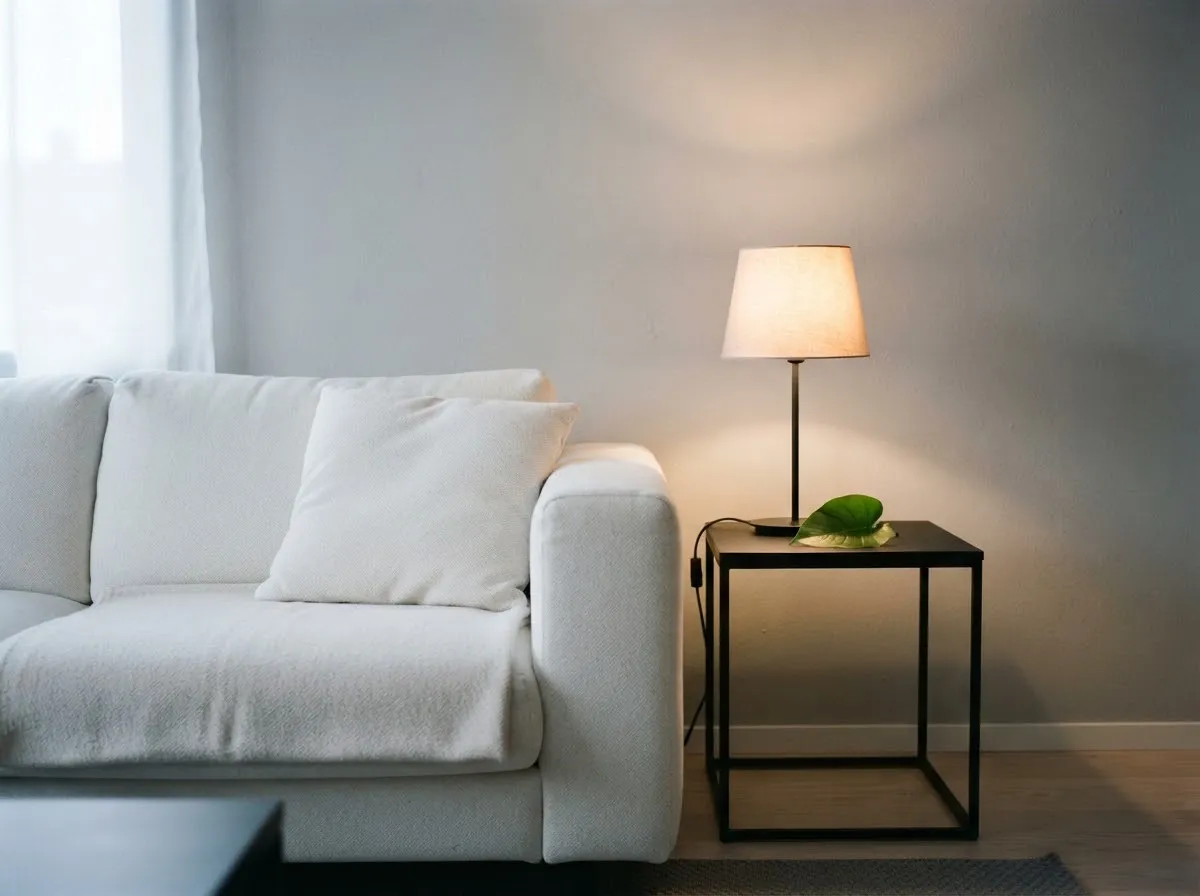
Camera manuals give a clear picture of how wide the Kelvin gap can be in an ordinary room. According to the Nikon D780 manual, incandescent indoor lamps sit near 3000 K, while overcast daylight sits near 6000 K and open shade climbs to 8000 K.
That spread of up to 5000 K creates a tug-of-war:
- If you set white balance for the window (5200–6500 K): Daylight skin looks natural, but the 3000 K indoor lamp casts a heavy orange-yellow glow on the shadow side or background.
- If you set white balance for the indoor lamp (3000–3200 K): The lamp looks neutral, but the window light turns icy blue.
- If you leave Auto White Balance on: The Canon EOS-1D X Mark III manual warns explicitly that when multiple light sources are in the scene, even White Priority AWB may fail to reduce warm color casts. Worse, in video, AWB can hunt back and forth as you move.
If you need a refresher on how Kelvin values work, see color temperature basics and camera white balance basics.
Why green and magenta casts appear in mixed setups
Sometimes the clash is not orange versus blue—it is green versus magenta. Some fluorescent office tubes and low-CRI LEDs sit off the Planckian blackbody curve, a deviation measured as $D_{uv}$ in US Department of Energy solid-state lighting standards.
When you mix a high-CRI daylight window or studio LED with a green-spiking office tube, adjusting Kelvin alone will not fix the skin tone. Shifting the camera toward magenta may clean up the office light but can tint the daylight areas.
Four ways to fix mixed lighting on set
Fixing mixed lighting is almost always easier before you press record than trying to mask two-tone skin in editing software later. Work through these four options in order:
1. Turn off the weaker or off-color light source
The simplest fix is subtraction. If you are shooting portraits or a video call next to a window, switch off overhead room lights and desk lamps. If you need to brighten the shadow side of the face, bounce the window light back with a white foam board or 5-in-1 reflector so both key and fill share the exact same spectrum.
2. Overpower ambient room light with your key light
If you cannot turn off overhead lights (for example, in a shared office or event venue), move your primary video LED or speedlight closer to your subject and raise its output—or lower your camera exposure until the ambient room light is several stops below your key light. When your key light dominates the exposure on skin, weak background bulbs stay subtle instead of staining the face.
3. Match your bi-color LED to the dominant ambient source
If you are using a bi-color LED with a 2700 K–6500 K range—like the CCT range on Aputure’s bi-color fixtures—dial the LED to match the room’s dominant light:
- Shooting with window light: Start around 5200 K–6000 K depending on sun vs overcast sky.
- Shooting in a warm-lit living room at night: Dial your key LED down to 3000 K–3200 K to blend with practical lamps, then set camera white balance to 3200 K.
Use our Kelvin color temperature chart and light matcher to compare approximate Kelvin targets and calculate the mired shift between two sources.
4. Block window light completely when working with tungsten or indoor LEDs
If window light is changing every ten minutes as clouds pass, closing blackout curtains or blinds gives you total control. Once daylight is blocked, your artificial lights set the only color temperature in the room, and a single Custom White Balance reading stays accurate for hours.
When intentional two-tone lighting works
Mixed color temperatures are only a problem when they land unevenly on skin or product surfaces. In narrative video or studio portraits, keeping your subject under a clean, neutral 5600 K key light while letting a warm 2700 K–3000 K practical lamp glow in the background creates pleasant visual depth—as long as the warm lamp is not spilling onto the side of the subject’s face.
For natural daylight control near windows, see our natural light photography hub. To understand how we verify camera and lighting specifications, read our sourcing and review approach.
Common questions
Why does one side of my face look orange and the other side blue?
One side of your face is lit by a cooler source like a daylight window (5200 K to 8000 K) while the other side is lit by a warmer indoor lamp (2700 K to 3200 K). Your camera can only apply one white balance across the entire frame, so balancing for the window makes the lamp look orange, and balancing for the lamp makes the window look blue.
Can Auto White Balance fix mixed lighting?
No, Auto White Balance cannot make two different color temperatures look neutral at the same time. Camera manuals such as Canon's EOS-1D X Mark III guide explicitly warn that when multiple light sources are present, even White Priority AWB may fail to remove warm casts.
Should I turn off room lights when shooting by a window?
Yes, turning off overhead ceiling bulbs and desk lamps is the fastest way to eliminate mixed lighting when shooting near a window. If you need fill light on the shadow side of your subject, use a neutral white reflector or a daylight-matched LED panel instead of a warm household lamp.
How do I match an LED light to window light?
Set a bi-color LED panel to roughly 5200 K to 6000 K (matching direct sun to overcast daylight) and evaluate the preview on your camera. Because window light shifts cooler in open shade and warmer near sunset, adjust the LED's CCT dial by eye or with a gray card until both sources blend.
Why do indoor photos look green under office lights and windows?
Many office fluorescent tubes and budget LEDs have spectral spikes that sit off the Planckian curve, creating a green cast (a distance from the Planckian curve that the Department of Energy reports as Duv). Even if you match Kelvin, you may need to add a slight magenta shift in your camera's white balance fine-tuning grid or replace the office light with a high-CRI video light.
What we checked
- Canon EOS-1D X Mark III Manual — White Balance & Multiple Light Sources Caution, checked 2026-11-14 (cam.start.canon)
- Nikon D780 Online Manual — White Balance Presets & Color Temperature Table, checked 2026-11-14 (onlinemanual.nikonimglib.com)
- US Department of Energy — Recommended Method for Determining Correlated Color Temperature and Distance from the Planckian Locus, checked 2026-11-14 (energy.gov)
- Aputure LS 300x Specifications (2700K–6500K CCT range), checked 2026-11-14 (aputure.com)
You might also like
- Color Temperature and White Balance Explained
Learn Kelvin color temperature, camera white balance presets, green/magenta tint, CRI vs TLCI, and how to prevent mixed-lighting color casts.
- CRI and TLCI Explained: Color Accuracy of Lights
Understand what CRI and TLCI measure, why CRI can miss red skin tones on LEDs, and what TLCI scores mean for photo and video.
- Custom White Balance with a Gray Card
How to set custom white balance in-camera with a gray or white card for accurate skin tones under LEDs, window light, and mixed lighting.
- Kelvin vs Tint: Fixing Green and Magenta Color Casts
Learn the difference between Kelvin color temperature and green-magenta tint (Duv), why LEDs shift green, and how to fix color casts.
- Lighting Gels: CTO and CTB for Color Matching
Match tungsten, daylight, and LED sources using CTO and CTB lighting gels, mired shift math, and light transmission loss.
- Matching LED Lights to Daylight
How to match LED video and photo lights to window daylight using Kelvin presets, mired shifts, and camera white balance without mixed color casts.