Green Screen Lighting: Even Backdrop, Clean Key
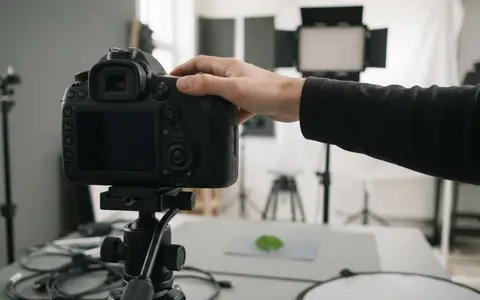
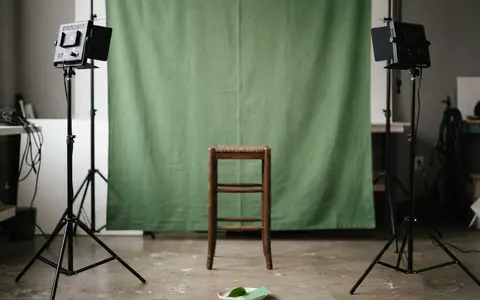
Light a green screen evenly and separate your subject from the backdrop to eliminate shadows, hotspots, and green spill for clean chroma keying.
Category
Video Lighting: photo and video lighting guides, calculators and setups from Fiat Lux Guides.
Light a green screen evenly and separate your subject from the backdrop to eliminate shadows, hotspots, and green spill for clean chroma keying.
Stop LED flicker and rolling-shutter banding in video and stills by matching shutter speed to 50 Hz or 60 Hz mains and using anti-flicker tools.
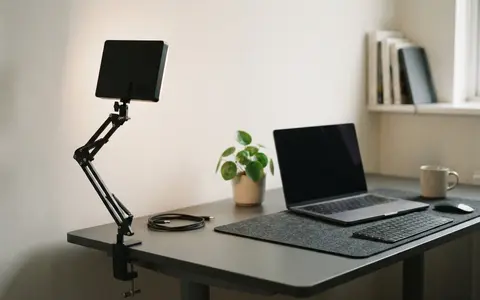
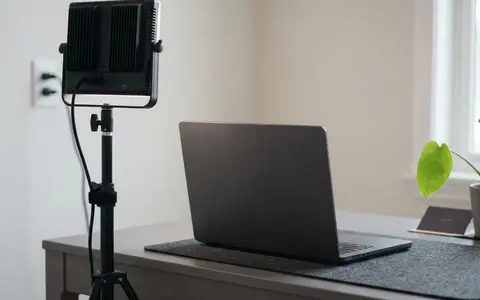
How to light a cramped home office or bedroom desk for sharp, flattering video calls and recordings without bulky stands or wall glare.
Set up comfortable, flicker-free, low-glare lighting for multi-hour online teaching, webinars, and livestreams with steady color.
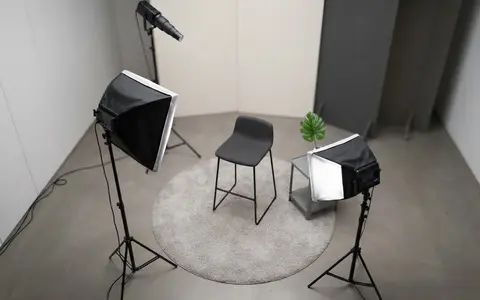
Light talking-head and interview videos cleanly with one, two, or three lights by controlling key angle, fill ratio, hair separation, and glare.
Stop glasses glare on camera using the law of reflection: raise and angle your lights, adjust screen brightness, and use anti-reflective lens coatings.
How to position a ring light for video calls, set Kelvin and brightness, avoid circular glasses glare, and know when a panel works better.
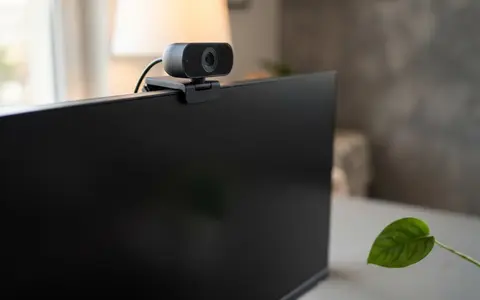
Improve your webcam image with front-facing key light, eye-level camera placement, and matched color temperature for Zoom, Teams, and Meet.
Build a clean video lighting setup for calls and YouTube using window light or continuous LEDs, simple angles, distance control, and color matching.
Fix dark, blown-out, or orange webcam video by locking manual exposure, shutter speed, ISO, and white balance to match your room lights.
This site sets no tracking cookies today. If we add optional services (analytics or marketing), they only run after you say yes. Your choice is stored on your device. Cookie policy