RAW vs JPEG White Balance: What You Can Fix Later
Author: Fiat Lux Guides Editorial Team Reviewer: Fiat Lux Guides Editorial Team Most recently reviewed First published Filed under Color and White Balance
RAW files record unprocessed sensor data with your camera's white balance stored only as metadata, so you can change Kelvin and Tint losslessly after shooting. JPEG files bake white balance, tone curves, and 8-bit compression permanently into the pixels, making heavy white balance fixes destructive.
Belongs to the guide: Color Temperature and White Balance Explained
Checked by Fiat Lux Guides’ editorial desk against the cited sources.
One of the most common questions in color and white-balance basics is how much you can actually fix after the shoot. The answer depends almost entirely on whether your camera recorded RAW or JPEG.
While RAW gives you near-total freedom to reinterpret Kelvin and Tint on your computer—or even in-camera—JPEG locks your white balance decision into the pixels the moment you press the shutter. Understanding where that line sits helps you decide when white balance explained settings are a safety net and when they are non-negotiable.
RAW vs JPEG white balance at a glance
| Attribute | RAW | JPEG |
|---|---|---|
| How white balance is stored | White balance stored as a setting; sensor data unchanged | Permanently baked into RGB pixel values |
| Kelvin & Tint adjustment in post | Lossless; non-destructive edit of the white balance settings | Limited; large shifts clip channels or cause posterization |
| In-camera preview accuracy | LCD preview and histogram still reflect camera WB setting | LCD preview matches final baked file |
| Mixed lighting recovery | Better headroom, though conflicting lights still need masking | Very limited; skin tones and highlights clip easily |
| File size & turnaround | Larger files; requires RAW conversion | Small files; ready to share immediately |
Why can RAW change white balance without losing quality?
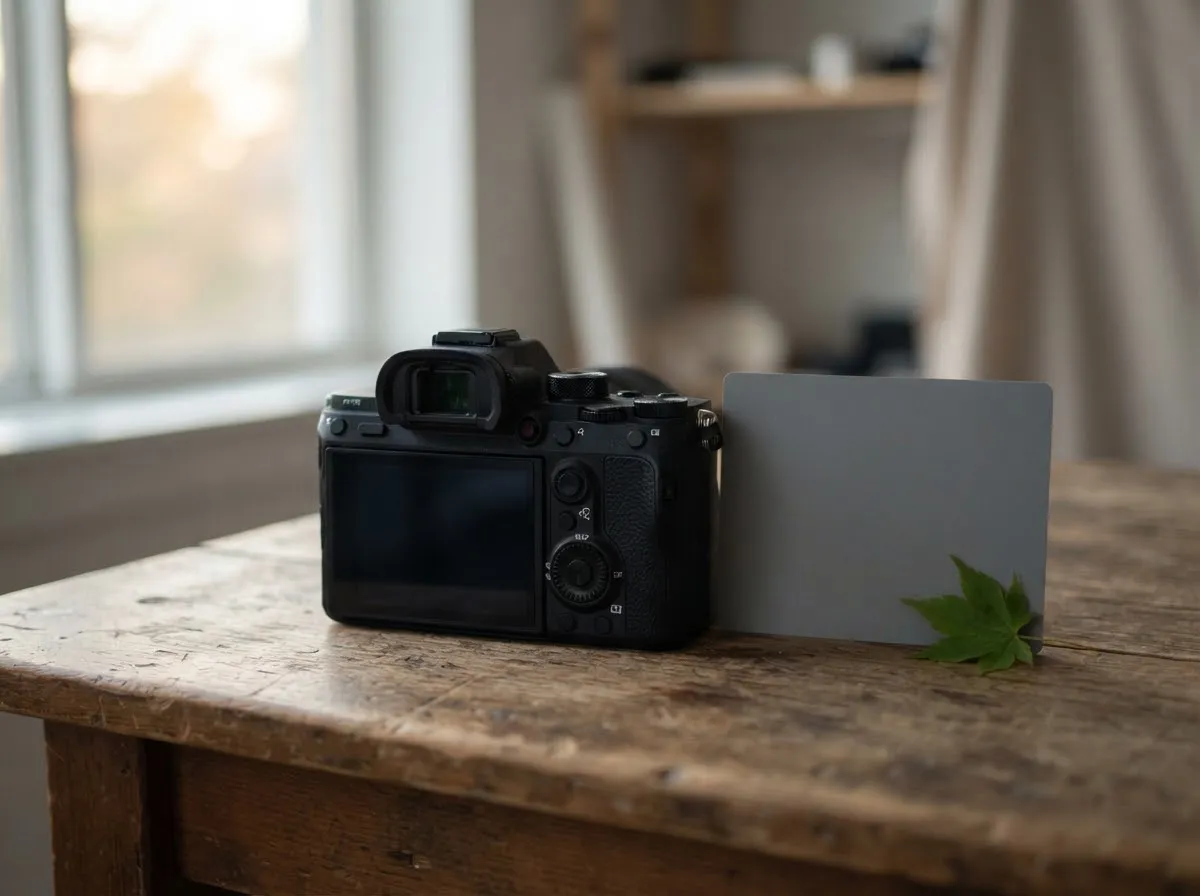
A RAW file records the raw brightness values from each red, green, and blue photosite before white balance, gamma, or color compression are applied. Your camera’s active white balance setting is saved alongside the file only as a metadata instruction—telling your preview screen or RAW software how to interpret neutral gray.
As Canon’s EOS-1D X Mark III manual shows, RAW image processing can adjust White Balance, Picture Style and Color Space in-camera, and Canon’s Digital Photo Professional Express lets you change White balance on RAW images afterward. Adobe notes that Camera Raw adjustments leave the original raw image data unchanged. When you drag the Kelvin or Tint slider in a RAW converter, the software simply recalculates the red and blue multipliers from the original 12-bit or 14-bit sensor data. Setting 3,200 K in-camera and leaving it at 3,200 K produces the exact same file quality as shooting at 5,600 K in-camera and changing it to 3,200 K in RAW software later.
Why does JPEG white balance break when pushed in post?
A JPEG applies white balance, tone curves, sharpening, and lossy compression inside the camera, then discards the underlying sensor data and typically saves 8 bits per channel.
If you shoot a portrait under 3,000 K indoor lamps with your camera accidentally left on Daylight (around 5,500 K):
- The camera applies Daylight white balance to a scene lit by warm lamps, so the baked-in file is strongly orange.
- When you try to cool that JPEG down in an editor afterward, you must boost the weak blue channel and pull down the red channel in data that already has only 8 bits per channel and lossy compression.
- The result can include noisy shadows, off-color skin tones, clipped reds and visible banding in smooth gradients.
If you must shoot JPEG—for fast event delivery, sports, or instant client previews—lock in a custom white balance with a gray card or use your camera’s Kelvin vs tint correction before shooting.
When does in-camera white balance still matter for RAW?
Even if you shoot 100% RAW, getting close in-camera still helps in three ways:
- Accurate RGB histograms: Your camera builds its histogram from the processed JPEG preview, not the linear RAW data. A badly skewed white balance can make the red or blue channel look clipped—or hide actual clipping—when you check exposure on set.
- Consistent culling and client tethering: Viewing 200 portraits with a consistent Kelvin setting makes it much easier to judge lighting ratios and skin tones on location.
- Extreme channel saturation: Under deeply colored stage LEDs or strong tungsten, the red or blue channel can saturate on the sensor before the overall luminance looks bright. Setting a reasonable white balance helps you spot channel clipping earlier.
What about RAW vs JPEG for mixed lighting?
Neither RAW nor JPEG can fix two different light colors in one global white balance click. If warm room lamps light the background while cool window light hits your subject’s face, changing global white balance only trades one cast for another. RAW gives you cleaner tonal latitude for local masked adjustments, but the real fix is matching your sources on set—see mixed lighting and color casts and our Kelvin reference chart.
Which format should you choose?
- Choose RAW (or RAW+JPEG) whenever lighting is mixed, unfamiliar, or color-critical, or when you want lossless control over Kelvin and Tint afterward.
- Choose JPEG only when your lighting is fixed and verified (for example, a calibrated studio strobe setup with Custom White Balance set) and immediate delivery speed outweighs editing flexibility.
For more on how we verify camera documentation, see our editorial policy.
| Attribute | RAW | JPEG |
|---|---|---|
| How white balance is stored | White balance stored as a setting; sensor data unchanged | Permanently baked into RGB pixel values |
| Kelvin & Tint adjustment in post | Lossless; non-destructive edit of the white balance settings | Limited; large shifts clip channels or cause posterization |
| In-camera preview accuracy | LCD preview and histogram still reflect camera WB setting | LCD preview matches final baked file |
| Mixed lighting recovery | Better highlight headroom, though two conflicting light colors still require masking | Very limited; skin tones and highlights clip easily |
| File size & turnaround | Larger files; requires RAW conversion before sharing | Small files; ready to deliver immediately |
Shoot RAW whenever lighting is unpredictable, mixed, or color-critical; use JPEG (with Custom White Balance) only when you need instant delivery under controlled, consistent light.
Common questions
Does white balance setting matter at all when shooting RAW?
Yes, for two practical reasons. First, your camera's rear LCD preview, JPEG thumbnail, and RGB histogram are all generated using the active white balance setting, so a wildly wrong WB can mislead you about highlight clipping. Second, an accurate starting WB saves time during culling and batch editing.
Can you fix a severe orange or blue cast in a JPEG?
Only slightly. Because a JPEG has already discarded raw sensor data, applied a gamma curve, and compressed colors into 8 bits per channel, pushing a strong orange tungsten cast back to neutral daylight can leave blotchy skin, noise, and clipped highlights.
Does changing white balance in RAW degrade image quality?
No. Changing white balance on a RAW file simply updates the red and blue channel multipliers used when converting the linear sensor data into an RGB image. Whether you set 5600 K in-camera or in RAW software afterward, the final processed image quality is identical.
What about compressed video compared to RAW vs JPEG?
Standard compressed 8-bit or 10-bit video behaves much more like JPEG than RAW. Because white balance and color profile are generally applied before the video stream is compressed, setting a Custom White Balance or matching your lights before hitting record is critical for clean skin tones.
Can RAW fix mixed lighting color casts in one click?
No. Changing the global white balance on a RAW file shifts the entire image warmer or cooler equally. If one side of a face is lit by 3200 K tungsten and the other by 5600 K window light, you will still need local masked adjustments in post—or better yet, match the lights on set.
What we checked
- Adobe Camera Raw introduction (original raw data unchanged), checked 2026-11-14 (helpx.adobe.com)
- Canon EOS-1D X Mark III Product Manual: Specifications and In-Camera RAW Processing, checked 2026-11-14 (cam.start.canon)
- Canon Digital Photo Professional Express Guide: RAW White Balance Editing, checked 2026-11-14 (cam.start.canon)
- Sony Interchangeable Lens Camera Help Guide: JPEG Quality and File Format, checked 2026-11-14 (helpguide.sony.net)
- Canon EOS R5 Product Manual: White Balance Correction, checked 2026-11-14 (cam.start.canon)
You might also like
- Color Temperature and White Balance Explained
Learn Kelvin color temperature, camera white balance presets, green/magenta tint, CRI vs TLCI, and how to prevent mixed-lighting color casts.
- CRI and TLCI Explained: Color Accuracy of Lights
Understand what CRI and TLCI measure, why CRI can miss red skin tones on LEDs, and what TLCI scores mean for photo and video.
- Custom White Balance with a Gray Card
How to set custom white balance in-camera with a gray or white card for accurate skin tones under LEDs, window light, and mixed lighting.
- Kelvin vs Tint: Fixing Green and Magenta Color Casts
Learn the difference between Kelvin color temperature and green-magenta tint (Duv), why LEDs shift green, and how to fix color casts.
- Lighting Gels: CTO and CTB for Color Matching
Match tungsten, daylight, and LED sources using CTO and CTB lighting gels, mired shift math, and light transmission loss.
- Matching LED Lights to Daylight
How to match LED video and photo lights to window daylight using Kelvin presets, mired shifts, and camera white balance without mixed color casts.