Backlight and Rim Light with a Window
Author: Fiat Lux Guides Editorial Team Reviewer: Fiat Lux Guides Editorial Team Most recently reviewed First published Filed under Natural Light
Backlight and rim light with a window happen when the window sits behind your subject and your camera faces into the glass. Because bright window panes trick automatic meters into underexposing faces, you get clean backlit portraits by metering on the subject, using exposure lock or positive exposure compensation, and bouncing light back onto the front.
Belongs to the guide: Natural Light Photography: A Beginner Guide
Placing a window behind your subject creates glowing hair edges, clean separation from the room, and dramatic contrast—if you override the camera’s tendency to expose for the bright glass. Within our natural light photography series, this guide explains how to position, meter, and balance backlit and rim-lit window shots.
Backlight vs. rim light: how do you position the window?
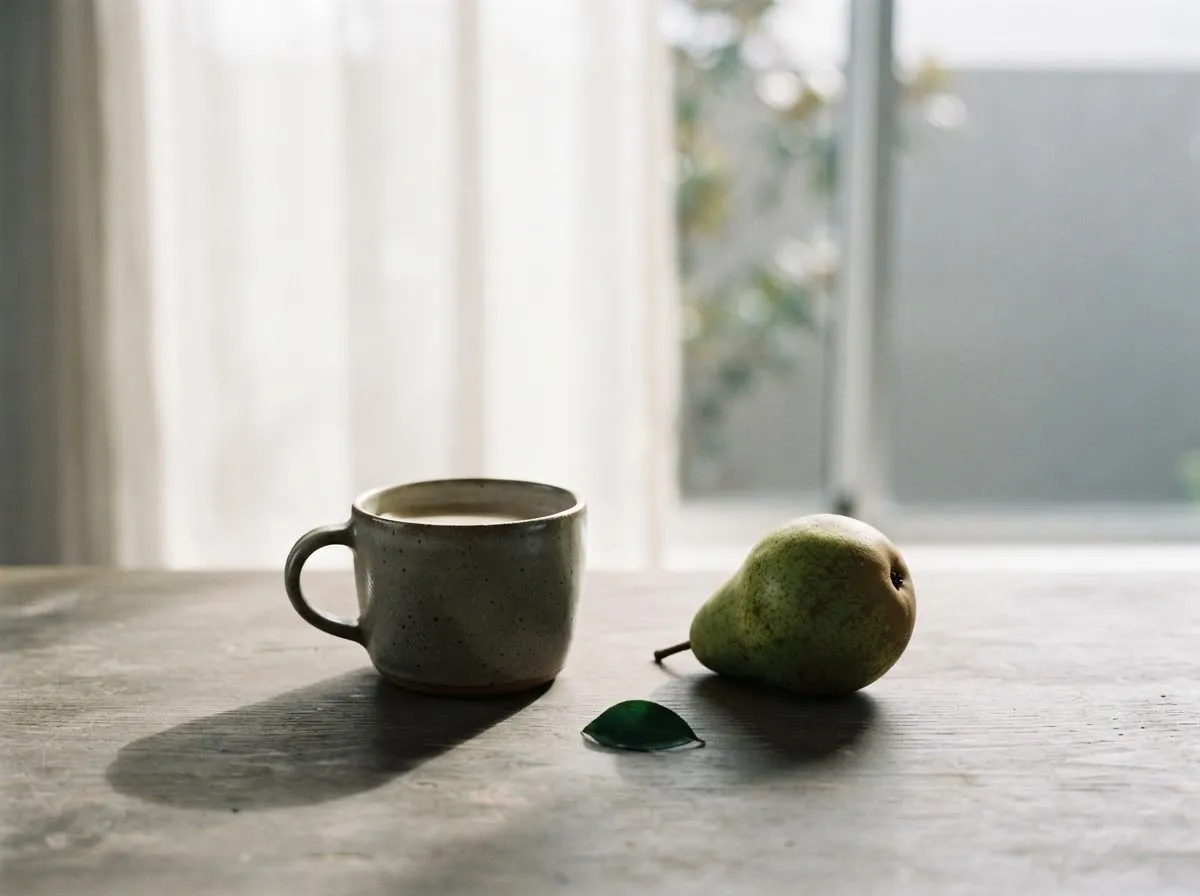
Both setups put the window behind the subject relative to the camera, but the background behind the subject’s head determines whether you get airy backlight or a crisp rim light.
- Full backlight: The camera faces directly toward the window, placing bright glass or sheer curtains behind the subject. Light wraps around the subject’s edges, and stray light often lowers overall contrast.
- Rim light: The subject stands beside or slightly forward of the window while the camera angles back toward a darker interior wall. The window still skims the back of the subject’s hair and shoulders, creating a bright outline against a dark background.
If you want softer wrap-around light rather than a hard outline, diffuse direct sun through a sheer curtain as described in indoor natural light photography and window light portrait setup.
How do you expose for a backlit window portrait?
Meter for the subject’s face rather than the bright window behind them, then lock that exposure before taking the shot. Standard evaluative metering sees the bright sky through the window and darkens the entire frame, turning your subject into a silhouette.
Camera manuals provide two built-in tools for this:
- AE Lock (Exposure Lock): Point the metering area at a midtone on the subject (or step closer so the subject fills the frame), press the AE Lock button, and recompose. The Canon EOS R8 AE Lock manual specifically notes that AE lock is effective for shooting backlit subjects. Similarly, the Sony ZV-1M2 Help Guide advises metering a spot where the subject has appropriate brightness and locking exposure when contrast between a backlit subject and window is high.
- Manual Exposure Compensation: In Aperture Priority (
Av/A) or Shutter Priority (Tv/S), dial in positive manual exposure compensation in small steps until skin tones look natural on your screen or histogram. - Manual Mode (
M): Set aperture, shutter speed, and ISO manually so changing your framing toward or away from the window never shifts exposure mid-shoot.
When you expose for a person indoors, the bright window panes behind them will often clip to pure white. That trade-off is normal when the dynamic range between outdoor sky and an indoor room exceeds what the sensor can hold in one frame.
How do you shoot a clean window silhouette instead?
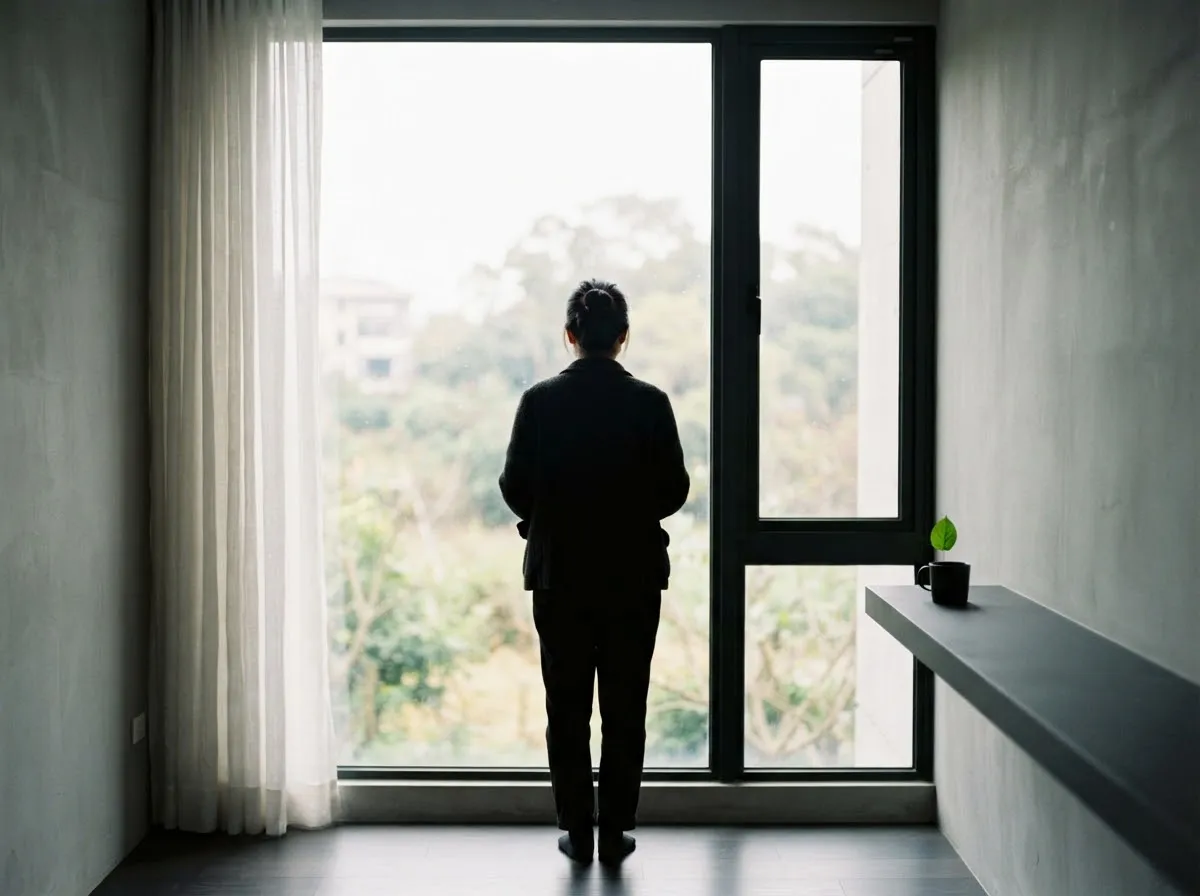
To turn a backlit subject into a dark silhouette, expose for the bright window glass instead of the room. Point your camera at the window panes, lock exposure with AE Lock (or dial in negative exposure compensation in auto modes), and recompose with your subject centered in front of the glass.
Silhouettes read clearest when the subject’s profile—chin, nose, shoulders, or hands—stands cleanly against the bright pane without overlapping dark window frames or furniture.
How do you fill the front of a backlit subject?
Bounce light from the window back onto the subject’s face using a white reflector or light-colored wall behind the camera. Under the law of reflection (OpenStax College Physics 2e), matte white surfaces scatter incoming window light diffusely in many directions, lifting shadow detail on the front of the face without creating a second harsh shadow.
Position the reflector just below or beside the camera lens, tilted toward the subject until you see a gentle lift in the shadows and a catchlight in the eyes. Learn which surface colors work best in reflectors and diffusers for natural light.
How do you control lens flare and washed-out contrast?
Keep direct window glare off the front glass of your lens by using a lens hood, shading the lens with your hand or a black card, or adjusting your camera angle slightly. Stray light bouncing inside lens elements reduces black levels and creates hazy veiling flare.
- Use a lens hood: A fitted hood blocks off-axis window light from striking the front element.
- Keep the front element clean: Dust and fingerprints scatter backlight across the sensor, amplifying haze.
- Shift your angle slightly: Moving a few inches to the side so the subject’s head or body blocks the brightest patch of sky often restores deep blacks immediately while preserving the rim light.
For more on how natural light compares with studio options when contrast gets extreme, see natural light vs artificial light, and review our review standards for how we verify camera guidance.
Common questions
Why do backlit window photos come out too dark on the subject?
Automatic camera meters average the bright window behind the subject with the darker room, causing the camera to reduce exposure so the window does not clip. To keep the subject bright, meter directly on the subject's face, apply AE lock, or dial in positive exposure compensation.
What is the difference between backlight and rim light?
Backlight places the window directly behind the subject, wrapping light around the edges and often brightening the background. Rim light places the window slightly off-axis behind the subject against a darker room wall, creating a bright outline along the hair and shoulders while keeping the background dark.
How do I get a silhouette in front of a window?
Expose for the bright outdoor scene through the window instead of the subject inside the room. You can do this by dialing in negative exposure compensation or using AE lock on the bright window glass before recomposing on your subject.
How do I reduce lens flare and haze when shooting toward a window?
Attach a lens hood to block stray light hitting the front element at steep angles, and clean any smudges off the glass. Slightly shifting your camera angle so the brightest patch of sky sits just outside the frame edge also restores contrast.
Do I need a reflector for backlit window portraits?
A reflector is helpful whenever the room behind the camera is dark and your subject's face falls into deep shadow. Placing a white foam board or collapsible reflector in front of the subject bounces window light back onto their face without losing the glowing rim.
What we checked
- Canon EOS R8 Product Manual — Exposure Lock (AE Lock) (checked 2026-11-14) (cam.start.canon)
- Canon EOS R8 Product Manual — Manual Exposure Compensation (checked 2026-11-14) (cam.start.canon)
- Sony ZV-1M2 Help Guide — Backlit Subjects and Metering (checked 2026-11-14) (helpguide.sony.net)
- OpenStax College Physics 2e — 25.2 The Law of Reflection (checked 2026-11-14) (openstax.org)
You might also like
- Natural Light Photography: A Beginner Guide
Learn natural light photography: how sun angle, window size, open shade, and overcast skies shape shadow softness, color temperature, and exposure.
- Food Photography with Window Light
Use side light, backlight, sheer diffusion, and bounce cards to shape texture and highlights in food photography with window light.
- Golden Hour Photography Explained
Learn what causes golden hour light, when it occurs by solar elevation, how long it lasts, and which white balance and camera settings preserve warm tones.
- Indoor Natural Light Photography Without Flash
How to shoot indoor natural light photography without flash using window placement, camera exposure settings, white balance, and falloff control.
- Natural Light vs Artificial Light: When to Use Each
Natural light vs artificial light compared on cost, color stability, power, and control so you can decide when window light or studio gear fits best.
- Open Shade and Overcast Light for Photos
How to find open shade, use overcast clouds as a giant softbox, fix blue color casts with white balance, and keep catchlights in outdoor portraits.