Exposure Basics for Lighting: Stops, ISO, Aperture, Power
Author: Fiat Lux Guides Editorial Team Reviewer: Fiat Lux Guides Editorial Team Most recently reviewed First published Filed under Setups and Exposure
A stop of light represents a doubling (+1 stop) or halving (-1 stop) of the light reaching your camera sensor. Aperture, shutter speed, ISO, continuous LED dimming, and manual flash power steps all operate in stops, so changing any one setting by a stop can be traded one-for-one with another.
Belongs to the guide: Three-Point Lighting Explained for Beginners
When you set up lights for three-point lighting or a single-light portrait, exposure is a two-sided equation: how much light lands on your subject, and how much of that light your camera lets onto the sensor. Every camera dial and every lighting dimmer speaks the same language—stops of light—where +1 stop doubles the light and −1 stop cuts it in half.
Thinking in stops lets you trade camera settings against light power and light distance without trial and error.
The four exposure controls and their side effects
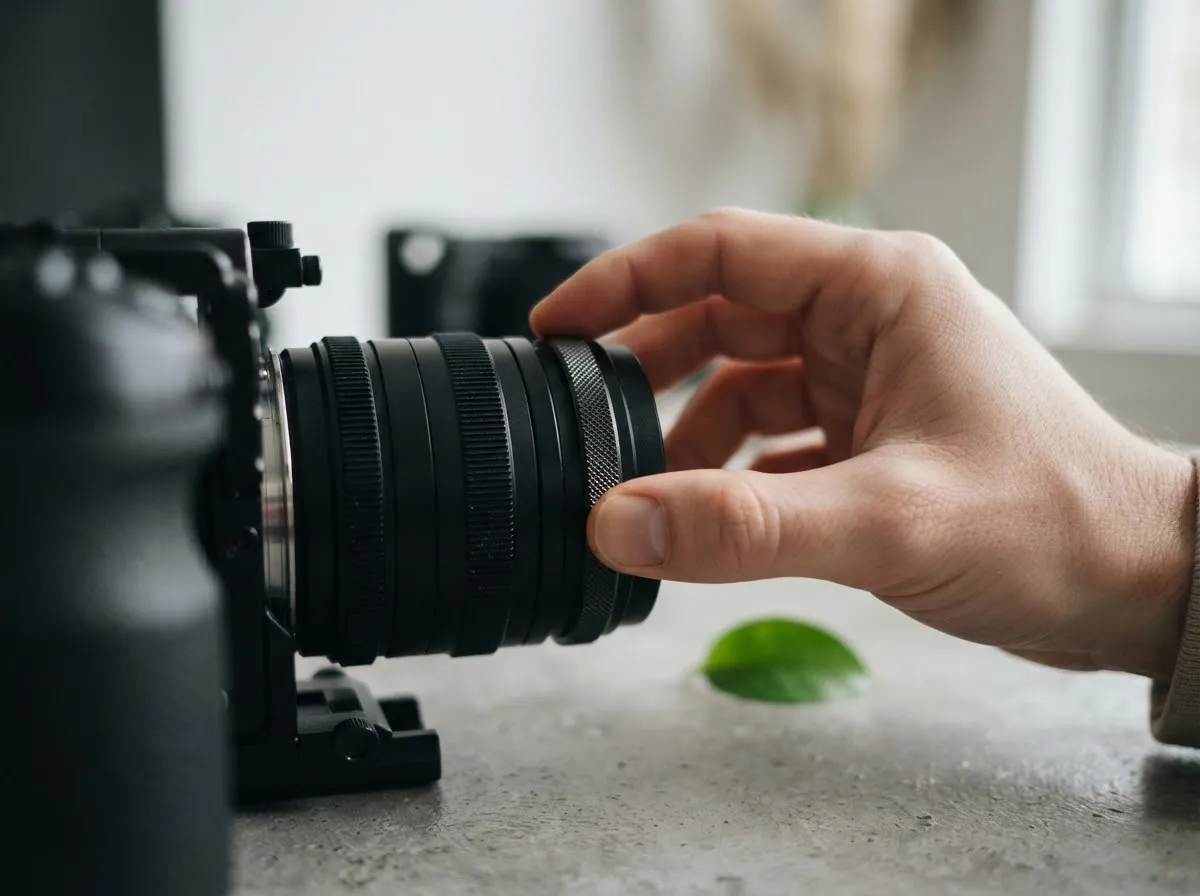
In Manual (M) mode, as outlined in Canon’s EOS R8 manual exposure guide, you balance aperture, shutter speed, and ISO against your scene’s brightness. Each control changes exposure in stops, but each also carries a distinct visual side effect:
| Control | +1 stop (double light) | −1 stop (half light) | Visual side effect |
|---|---|---|---|
| Aperture (f-number) | Open 1 stop (e.g., f/5.6 → f/4) | Close 1 stop (e.g., f/4 → f/5.6) | Changes depth of field (background blur) |
| Shutter speed | Double time (e.g., 1/125 s → 1/60 s) | Halve time (e.g., 1/60 s → 1/125 s) | Changes motion blur vs action freeze |
| ISO | Double ISO (e.g., 200 → 400) | Halve ISO (e.g., 400 → 200) | Higher ISO adds digital noise/banding |
| Light output / distance | Double power (1/4 → 1/2) or move closer by $\div \sqrt{2}$ | Halve power (1/2 → 1/4) or move back by $\times \sqrt{2}$ | Distance also changes falloff and shadow softness |
Aperture, shutter speed, and ISO in practice
- Aperture: As Canon’s Aperture-Priority guide explains, a lower f-number opens the lens diaphragm wider to admit more light and produce a shallower depth of field, while a higher f-number narrows the opening and keeps more foreground and background in focus. Full-stop f-numbers step by $\sqrt{2}$ (f/2, f/2.8, f/4, f/5.6, f/8, f/11, f/16).
- Shutter speed: Per Canon’s Shutter-Priority guide, slower speeds (like 1/30 s) let in more light and blur movement, while faster speeds (like 1/2000 s) admit less light and freeze action. In video, shutter speed is usually tied to frame rate for natural motion, leaving aperture, ISO, and light output to handle brightness.
- ISO: Raising ISO boosts sensor sensitivity in low light, but Canon’s ISO settings guide notes that high ISO speeds can make image noise (graininess, dots of light, banding) noticeable. Keeping ISO at base (often ISO 100) and adding light produces cleaner shadows.
How flash power and LED dimmers map to stops
Lighting fixtures use different scales, but both translate cleanly into stops:
- Speedlights and studio strobes: Manual flash power steps—
1/1,1/2,1/4,1/8,1/16,1/32—are 1-stop steps. In Canon’s Speedlite EL-1 specifications, dropping from1/1to1/2power at 50mm (ISO 100) lowers the Guide Number from 36.6 m to 25.9 m (a factor of $1/\sqrt{2}$, or 1 stop). - Continuous LEDs: Many video LEDs display brightness from 0% to 100%. Treat percentages as approximate, since dimming curves vary by fixture. Because stops are logarithmic, halving the percentage (from 100% to 50%, or 50% to 25%) is roughly −1 stop of output if the fixture dims linearly.
Balancing ambient light vs flash
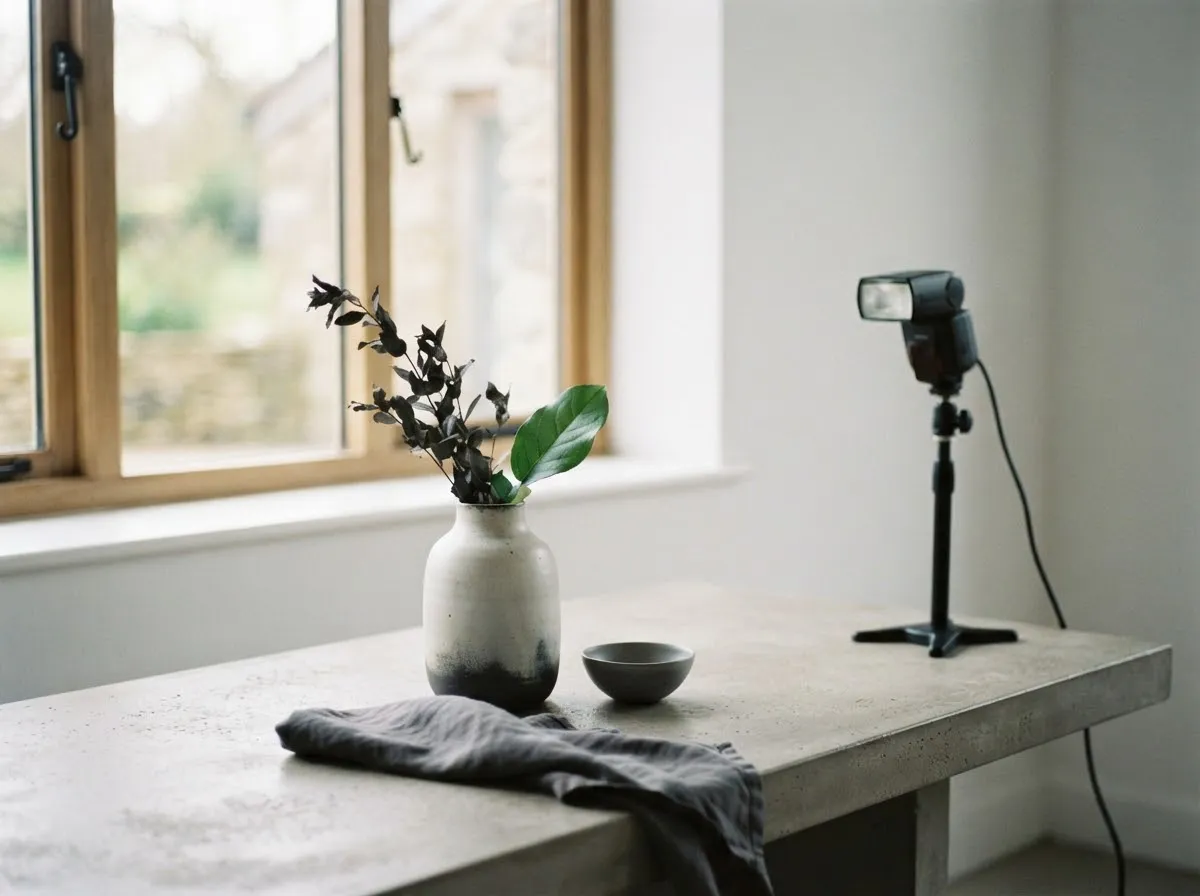
With continuous LEDs or window light, aperture, shutter speed, and ISO all affect the light equally. With flash (speedlights or strobes), shutter speed behaves differently: because the flash burst is much shorter than a typical shutter opening, shutter speed controls the ambient room light or daylight, while aperture, ISO, and flash power control the flash exposure.
If you want a darker background while keeping your subject bright under flash, speed up the shutter (up to your camera’s sync speed) without touching aperture or flash power.
Trading light distance for camera stops
If you cannot adjust light power—for instance, when using a fixed-output lamp or a bright window—moving the light closer or farther changes exposure predictably under the inverse square law. Moving a point source from 2 meters to 1.4 meters ($\div \sqrt{2}$) adds +1 stop; moving it from 1 meter to 2 meters cuts −2 stops.
Use our light distance exposure calculator to compute exact aperture, ISO, or power-step compensations whenever you reposition a stand, and review common lighting mistakes or Continuous versus flash gear comparison to choose the right fixture for your workflow. Our editorial policy explains how we verify manufacturer manuals and standards documents for every guide.
Common questions
What is a stop of light in photography and video?
A stop is a relative unit that means doubling or halving the amount of light in an exposure. Adding 1 stop (+1 EV) doubles the light reaching the sensor, while subtracting 1 stop (-1 EV) cuts the light in half. Because stops are relative, they let you compare changes in aperture, shutter speed, ISO, and light power on the same scale.
How do f-stops work if the numbers go up when the hole gets smaller?
An f-number is a fraction (focal length divided by entrance pupil diameter), so a larger denominator like f/11 means a smaller physical opening than f/4. Full-stop f-numbers progress by factors of sqrt(2) (~1.4): f/1.4, f/2, f/2.8, f/4, f/5.6, f/8, f/11, f/16—each step halving the area of the opening and cutting light by 1 stop.
Why does shutter speed affect ambient light more than flash exposure?
A studio strobe or speedlight fires in a tiny fraction of a second—far shorter than typical shutter speeds—so widening or narrowing the shutter window barely changes how much flash reaches the sensor. Instead, shutter speed controls how long continuous ambient room light or daylight accumulates during the same exposure.
How do manual flash power fractions translate into stops?
Manual flash steps—1/1, 1/2, 1/4, 1/8, 1/16, 1/32, 1/64, 1/128—each represent 1 full stop of light output. Stepping down from 1/1 to 1/2 cuts flash energy in half (-1 stop), and stepping from 1/1 to 1/4 cuts it by 2 stops, matching camera exposure adjustments directly.
Should you raise ISO or add more light first when an image is too dark?
Add more light or move your light closer first whenever you can, and use ISO as a secondary adjustment. Higher ISO settings amplify sensor signal along with digital noise and banding, whereas moving a light closer or increasing fixture output gives the sensor more real photons for a cleaner image.
What we checked
- Canon EOS R8 Manual: Av (Aperture-Priority AE), checked 2026-11-14 (cam.start.canon)
- Canon EOS R8 Manual: Tv (Shutter-Priority AE), checked 2026-11-14 (cam.start.canon)
- Canon EOS R8 Manual: M (Manual Exposure), checked 2026-11-14 (cam.start.canon)
- Canon EOS-1D X Mark III Manual: ISO Speed Settings, checked 2026-11-14 (cam.start.canon)
- Canon Speedlite EL-1 Manual: Specifications (Manual Flash Guide Numbers), checked 2026-11-14 (cam.start.canon)
You might also like
- Three-Point Lighting Explained for Beginners
Learn three-point lighting—key light, fill light, and backlight—plus how source size controls shadow softness and how distance and stops control exposure.
- Common Lighting Mistakes in Photo and Video
Spot and fix the most common photo and video lighting mistakes: mixed color casts, flat on-axis light, harsh overhead shadows, and distance falloff.
- Hard Light vs Soft Light: What Changes the Shadows
Compare hard light vs soft light in photography and video: how source size, distance, and penumbra geometry control shadow edge softness.
- Headshot Lighting at Home
Set up clean headshot lighting at home with a window or a single LED or strobe, covering light angle, background separation, and shadow fill.
- The Inverse Square Law of Light for Photographers
Learn how the inverse square law controls light falloff, exposure stops, and background separation in photography and video.
- Key-to-Fill Ratio Explained
Learn what key-to-fill lighting ratios mean in f-stops, how 2:1, 4:1, and 8:1 contrast looks on camera, and how to measure ratios with a light meter.