Common Lighting Mistakes in Photo and Video
Author: Fiat Lux Guides Editorial Team Reviewer: Fiat Lux Guides Editorial Team Most recently reviewed First published Filed under Setups and Exposure
Most photo and video lighting mistakes stem from five fixable habits: placing the key light flat on the camera axis, shooting under overhead room bulbs, mixing daylight with warm indoor lamps, letting a bright window sit behind the subject, and putting subjects too close to a wall.
Belongs to the guide: Three-Point Lighting Explained for Beginners
Even good cameras and lenses produce muddy, unflattering images when the light is in the wrong place. Within the fundamentals of key, fill and back light setup, almost every beginner photo or video problem traces back to a handful of repeatable mistakes—and most of them take zero new gear to fix.
Instead of buying brighter fixtures or relying on heavy post-processing, you can solve flat faces, split color casts, and grainy shadows by adjusting light angle, distance, and room ambients before you press the shutter or hit record.
1. Placing the key light flat on the camera axis
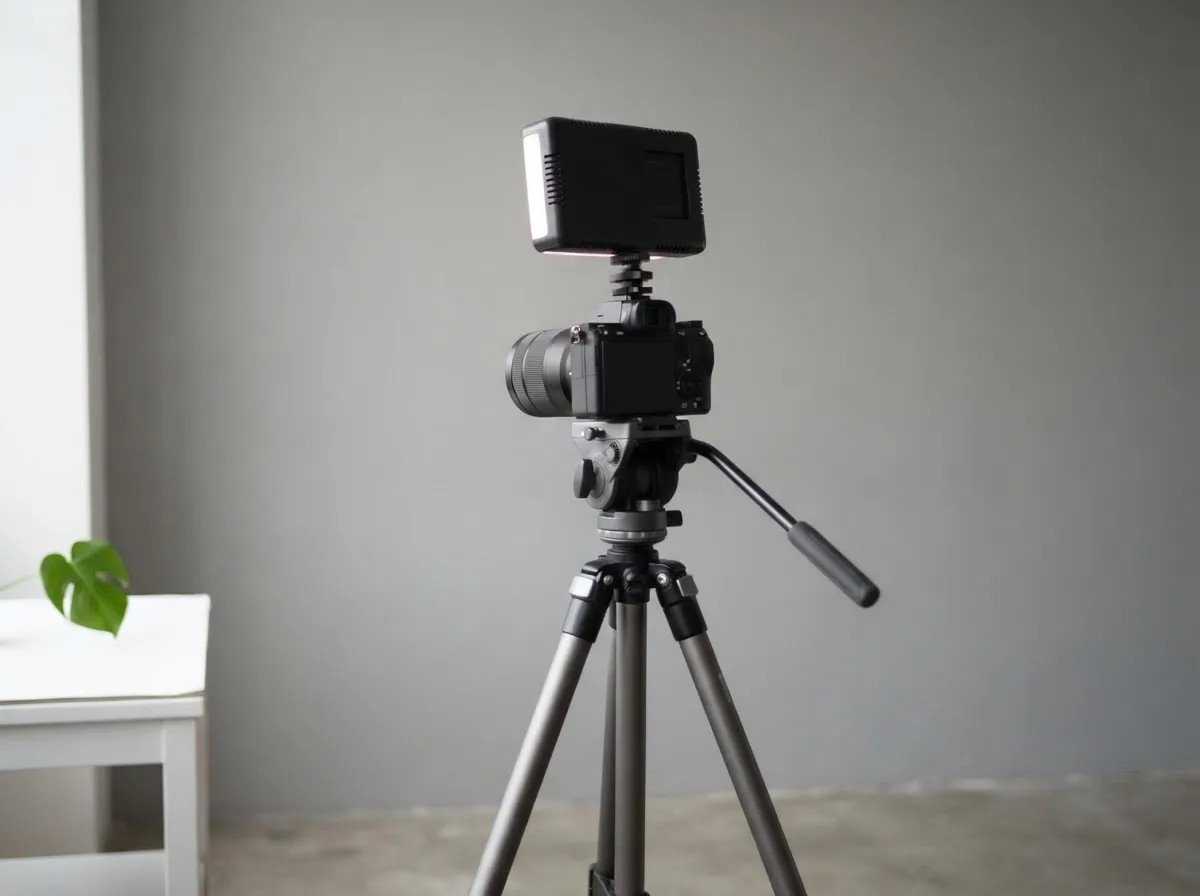
Putting your only light directly beside or around the lens flattens every feature on a face because it fills in the exact shadows that show nose, cheek, and jawline depth. On-camera pop-up flashes and centered ring lights are the most common culprits.
Fix: Move your key light off to one side of the camera and slightly above eye level. Off-axis placement creates a clear lit side and a gentler shadow side, immediately restoring three-dimensional shape.
2. Relying on overhead ceiling lights
Overhead room fixtures sit too high and shine too steeply downward, carving dark hollows under the eye sockets, nose, and chin—often called “raccoon eyes.” Ceiling bulbs also tend to be small, bare, or recessed, which makes those shadows sharp.
Fix: Turn off overhead room lights before shooting. Use a front-angled window light or a diffused continuous LED positioned just above eye level instead.
3. Mixing daylight and warm indoor lamps
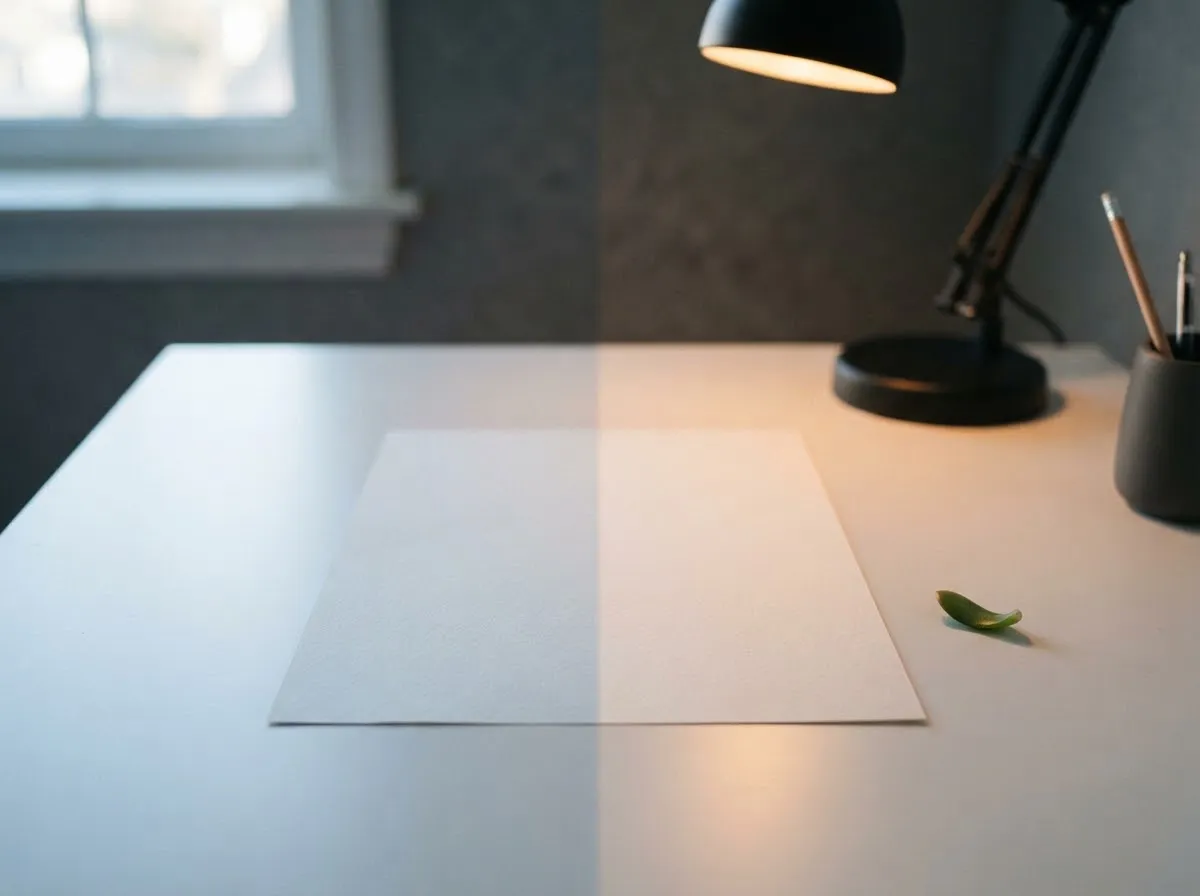
When cool window light hits one side of a subject while warm household lamps light the background or opposite cheek, no single white balance setting can make both look neutral. In Canon’s EOS R6 white balance reference, daylight sits near 5200K and shade near 7000K, whereas tungsten indoor light sits near 3200K.
Fix: Pick one dominant color temperature, turn off the competing source, and lock your camera’s Kelvin or Custom White Balance to match. See mixed lighting and color casts and our Kelvin chart for matching lights cleanly.
4. Putting a bright window behind the subject
Sitting in front of an uncovered window forces auto-exposure cameras and webcams to meter for the bright sky outside, turning the person in front of the lens into a dark silhouette. Even in manual exposure, the window behind the subject often clips to pure white and washes out contrast.
Fix: Turn the camera around so the subject faces the window, or draw blinds/curtains over the glass and light the subject from the front. Read window light for video and calls for desk-layout options.
5. Pushing the subject right against a wall
Standing or sitting inches from a wall leaves no room for cast shadows to fall out of frame and no space for a separation or hair light. A small light placed in front of the subject throws a crisp dark outline directly beside their head.
Fix: Pull the subject forward away from the wall. As shown in hard light vs soft light, increasing subject-to-background distance softens and drops the shadow out of sight, while also letting inverse square law falloff darken the wall naturally.
6. Putting a light too close to a group of people
A light placed very close to one person in a two-person interview or group shot creates uneven exposure across the frame. Under the inverse square law, illuminance drops with the square of distance—so if Person A is 1 meter from the light and Person B is 2 meters away, Person B receives only one-fourth as much light (2 stops darker).
Fix: Move the light farther back so the relative distance difference between the nearest and farthest person shrinks, or feather the light slightly toward the farther subject. Test exact distance ratios with our light distance exposure calculator.
7. Letting the camera boost ISO instead of adding light
Rooms that feel comfortable to human eyes are often far dimmer than a camera sensor needs for clean video or fast shutter speeds. As Canon’s ISO speed documentation warns, raising high ISO speeds can make image noise (graininess, dots of light, banding) noticeable.
Fix: Bring your light closer (doubling closeness quadruples brightness), open your aperture if depth of field allows, or add a brighter diffused key light so you can keep ISO low. For how ISO, aperture, and light power trade off, see exposure basics for lighting. Our fact-checking process explains how we verify technical claims across all guides.
Common questions
Why does my photo or video lighting look flat and boring?
Lighting looks flat when the main light sits directly on the camera axis—such as an on-camera flash or a ring light centered around the lens—removing all modeling shadows from the face. Moving the key light off to one side and slightly above eye level creates natural highlight-to-shadow separation.
Why do skin tones look orange on one side and blue on the other?
Split orange-and-blue skin tones happen when two different color temperatures hit the subject at the same time, such as cool daylight from a window (~5200K to ~7000K) mixing with warm indoor tungsten lamps (~3200K). Turn off competing room bulbs or match your LED fixture's Kelvin setting to the dominant light.
Why are there dark shadows under my eyes in indoor videos?
Dark eye-socket shadows occur when you rely on overhead ceiling fixtures that shine straight down from above your forehead. Turning off ceiling lights and placing a diffused key light slightly above eye level—angled gently toward your face—fills the eye sockets cleanly.
How do I avoid a harsh shadow directly behind my subject on the wall?
Move your subject farther away from the background wall and raise or soften your key light. Increasing the distance between the subject and the wall throws any cast shadow lower and wider out of frame, while using a larger diffused source softens the shadow edge.
Why does my webcam or camera look grainy even when the room feels bright to my eyes?
Human eyes adapt across a much wider brightness range than camera sensors, so an ordinary living room is often dim for video. When light is low, cameras raise ISO sensitivity, which Canon manuals note introduces digital noise and banding; adding a dedicated key light lets you shoot at a lower ISO.
What we checked
- Canon EOS R6 Manual: White Balance Presets, checked 2026-11-14 (cam.start.canon)
- HyperPhysics: Inverse Square Law for Light, checked 2026-11-14 (hyperphysics.gsu.edu)
- Canon EOS-1D X Mark III Manual: ISO Speed Settings, checked 2026-11-14 (cam.start.canon)
- OpenStax Astronomy 2e: Umbra and Penumbra Shadow Geometry, checked 2026-11-14 (openstax.org)
You might also like
- Three-Point Lighting Explained for Beginners
Learn three-point lighting—key light, fill light, and backlight—plus how source size controls shadow softness and how distance and stops control exposure.
- Exposure Basics for Lighting: Stops, ISO, Aperture, Power
Understand how stops of light connect aperture, shutter speed, ISO, and flash or LED power so you can adjust lighting exposure accurately.
- Hard Light vs Soft Light: What Changes the Shadows
Compare hard light vs soft light in photography and video: how source size, distance, and penumbra geometry control shadow edge softness.
- Headshot Lighting at Home
Set up clean headshot lighting at home with a window or a single LED or strobe, covering light angle, background separation, and shadow fill.
- The Inverse Square Law of Light for Photographers
Learn how the inverse square law controls light falloff, exposure stops, and background separation in photography and video.
- Key-to-Fill Ratio Explained
Learn what key-to-fill lighting ratios mean in f-stops, how 2:1, 4:1, and 8:1 contrast looks on camera, and how to measure ratios with a light meter.