Window Light for Video and Calls
Author: Fiat Lux Guides Editorial Team Reviewer: Fiat Lux Guides Editorial Team Most recently reviewed First published Filed under Video Lighting
For clean window light on video calls and recordings, face the window or sit at an angle to it so daylight illuminates your face rather than your background. Never put an uncovered window behind you, because auto-exposure webcams expose for the bright glass and turn your face into a dark silhouette.
Belongs to the guide: Video Lighting Setup for Calls and YouTube
Window light is the easiest, zero-cost way to upgrade your image for remote meetings and recorded videos. Within the broader video light rig basics workflow, a single window works just like a large studio softbox—provided you put yourself on the right side of it and tame direct sunbeams.
Most webcam problems happen when a window sits behind the speaker or when direct afternoon sun hits half the face. A few small adjustments to desk orientation, curtains, and room lights fix both issues in minutes.
Where to sit relative to the window
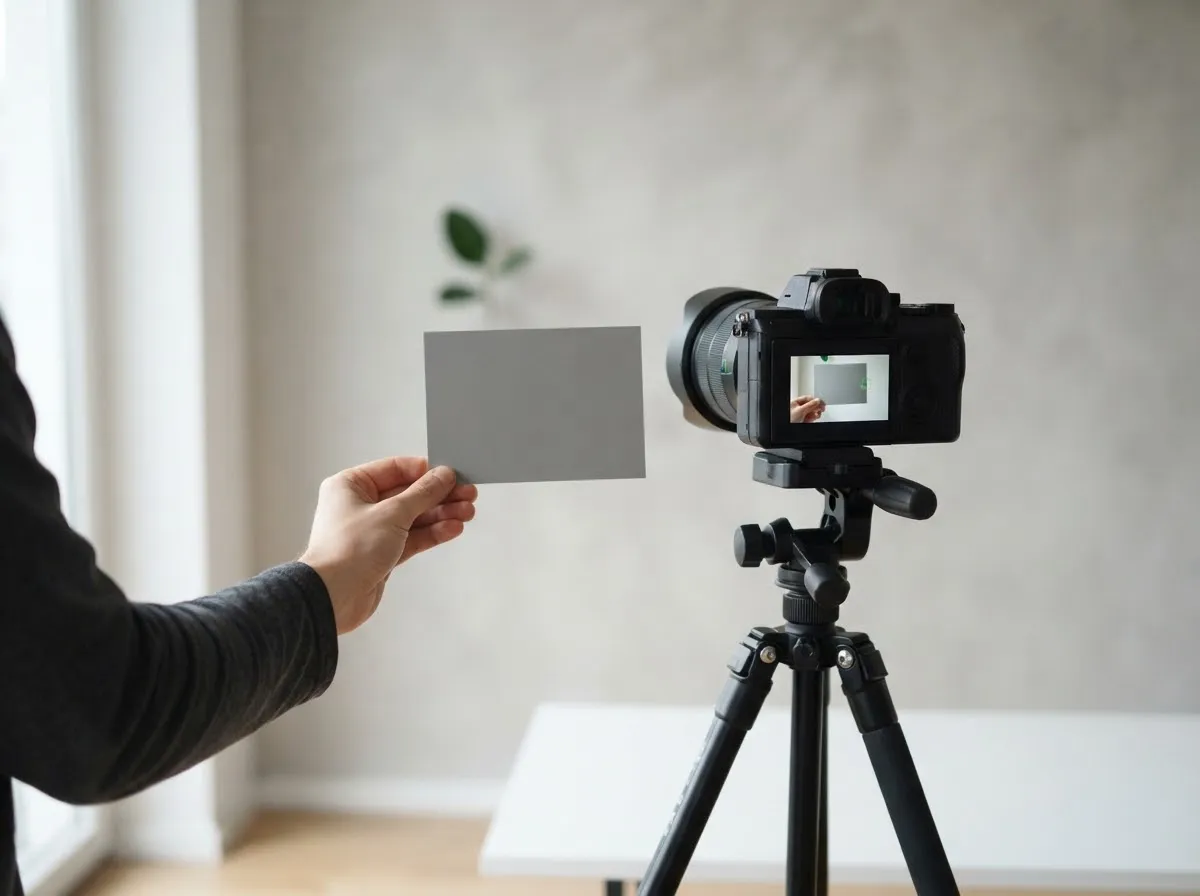
Position your desk so the window is either directly behind your webcam or angled to one side of your face. When the window is in front of you, daylight illuminates your features evenly and your room background stays slightly darker, which helps auto-exposure webcams meter accurately on your face.
| Window position | Effect on your face | Effect on background | Best fix if stuck there |
|---|---|---|---|
| In front of you (behind camera) | Even, flat, minimal shadows | Darker, clean separation | Add sheer curtain if sun hits directly |
| To the side (45°–90° off camera) | Gentle modeling and shadow depth | Balanced, natural room tone | Place a white foam board on the shadow side to bounce fill |
| Behind you (facing camera) | Dark silhouette, noisy skin tones | Blown-out white window | Close blinds and add a front-facing video call light |
If you wear glasses, sitting slightly to the side of the window rather than dead-center prevents the bright rectangle of the window from reflecting straight into the camera lens.
Why a window behind you ruins webcam exposure
An uncovered window behind your head forces your camera to choose between exposing for the bright outdoor sky or exposing for your face indoors. Webcams and built-in laptop cameras typically meter across the entire frame, so a bright rectangle behind you pulls exposure down and turns you into a silhouette.
If your desk cannot face the window, close the blinds or curtains completely behind you and place a single front-facing light—such as a diffused LED panel—behind your monitor. For more ways to arrange desk fixtures, see our video call lighting guide.
Tame direct sunbeams with sheer curtains
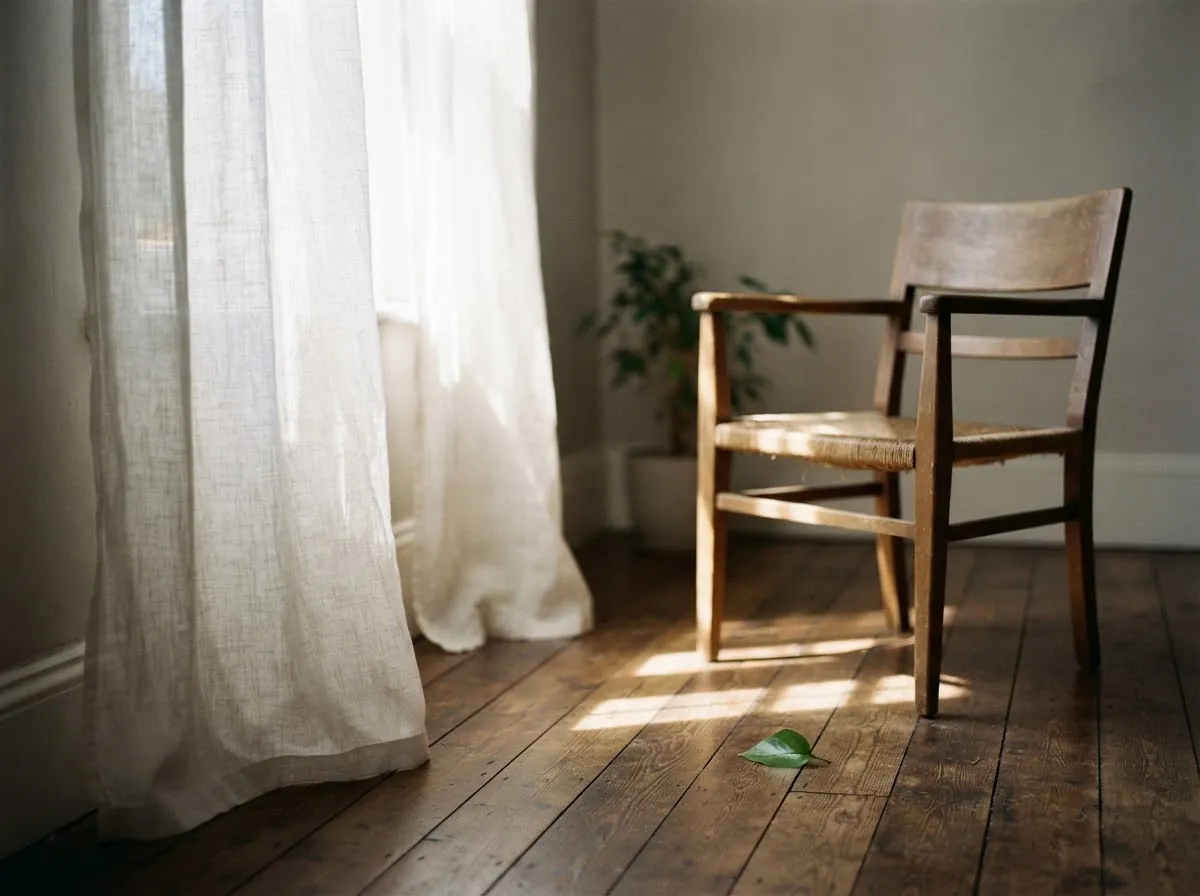
Indirect skylight through a window is naturally soft because the whole pane emits scattered light from the sky. By contrast, direct sunlight streaming straight onto your face behaves like a hard point source: per NASA’s Sun Fact Sheet, the Sun has an apparent angular diameter from Earth of only 1,919 arcseconds (about 0.53 degrees).
As explained in hard versus soft light comparison and OpenStax’s shadow geometry overview, a small angular source produces a sharp umbra with almost no soft penumbra transition. Hanging a thin white sheer curtain—or taping white parchment or diffusion paper over the glass during a shoot—spreads that direct beam across the entire windowpane, turning it into a broad, flattering source.
Turn off overhead room lights to prevent color casts
Window daylight and household ceiling bulbs rarely match in color temperature. In Canon’s EOS R6 white balance reference, daylight sits near 5200K, cloudy light near 6000K, and shade near 7000K, while tungsten indoor lamps sit near 3200K.
When both sources hit your face at once, one cheek looks cool blue while your forehead or background looks orange, and auto white balance hunts back and forth as clouds pass. Switching off overhead room bulbs lets the window act as your single, clean color reference. If you want to compare how daylight and indoor fixtures map on the Kelvin scale, check our Color temperature reference.
Handle fading daylight and cloudy afternoons
Natural light changes brightness and color throughout the day, which can make back-to-back calls or multi-hour YouTube shoots look inconsistent. Moving your desk closer to the window increases brightness noticeably (a window is a large source, so falloff is gentler than the point-source inverse square law predicts), but once the sun sets, you will need an artificial backup.
Keep a compact bi-color LED panel near your monitor if you film past dusk. Set the panel to match daylight (around 5200K–5600K) while window light is still present, or switch off the window light and run the LED alone after dark. For a full breakdown of affordable fixtures, see our YouTube lighting setup on a budget and natural light photography guide. Our sourcing and review approach outlines how we source and check technical claims across all guides.
Common questions
Should you face a window on a video call?
Yes, facing a window—or sitting slightly angled toward it—is the simplest way to get soft, even light on a webcam. Placing the camera in front of the window lets daylight wrap across your face and keeps the background behind you darker, so the webcam's auto-exposure locks onto your skin tones instead of a bright pane of glass.
What do you do if the window has to be behind you on a call?
If you cannot move your desk, close the blinds or draw a blackout curtain over the window behind you and light your face from the front with a diffused LED panel or desk lamp. An uncovered window behind your head forces the webcam to meter for the bright sky, leaving your face underexposed and grainy.
Why does direct sunlight through a window look harsh on camera?
Direct sunlight travels from a disk with an apparent angular diameter of only about 0.53 degrees, making it behave like a point source that casts sharp, high-contrast shadows. Hanging a sheer white curtain over the window scatters that beam across the entire pane, turning the window into a large, soft light source.
Why does my face look blue or orange by a window on video calls?
Color shifts happen when window daylight mixes with indoor household bulbs or when clouds change the sky's color temperature. Daylight presets sit around 5200K and shade sits around 7000K, whereas indoor tungsten bulbs sit near 3200K. Turn off warm room lamps during daytime calls and lock white balance if your camera software allows it.
How do you reduce window glare on eyeglasses during a video call?
Shift your chair slightly off-axis from the window or angle your glasses frames slightly downward. When you sit squarely facing a bright window, the glass acts like a mirror aimed straight back into the webcam lens. Moving the window 30 to 45 degrees to one side usually clears the reflection from your lenses.
What if window light gets too dark in the late afternoon?
Keep a small bi-color LED panel or diffused desk light ready near your monitor to supplement or replace fading daylight. As the sun drops, webcams raise ISO gain automatically, which adds digital noise and motion blur; switching on a front-facing light set near daylight or room temperature keeps your image clean.
What we checked
- NASA Sun Fact Sheet (Apparent Diameter from Earth), checked 2026-11-14 (nssdc.gsfc.nasa.gov)
- Canon EOS R6 Manual: White Balance Presets, checked 2026-11-14 (cam.start.canon)
- OpenStax Astronomy 2e: Umbra and Penumbra Shadow Geometry, checked 2026-11-14 (openstax.org)
- HyperPhysics: Inverse Square Law for Light, checked 2026-11-14 (hyperphysics.gsu.edu)
You might also like
- Video Lighting Setup for Calls and YouTube
Build a clean video lighting setup for calls and YouTube using window light or continuous LEDs, simple angles, distance control, and color matching.
- Green Screen Lighting: Even Backdrop, Clean Key
Light a green screen evenly and separate your subject from the backdrop to eliminate shadows, hotspots, and green spill for clean chroma keying.
- LED Flicker on Camera: Shutter Speed and Banding
Stop LED flicker and rolling-shutter banding in video and stills by matching shutter speed to 50 Hz or 60 Hz mains and using anti-flicker tools.
- Lighting a Small Home Office for Video
How to light a cramped home office or bedroom desk for sharp, flattering video calls and recordings without bulky stands or wall glare.
- Lighting for Online Teaching and Webinars
Set up comfortable, flicker-free, low-glare lighting for multi-hour online teaching, webinars, and livestreams with steady color.
- Lighting for Talking-Head Videos
Light talking-head and interview videos cleanly with one, two, or three lights by controlling key angle, fill ratio, hair separation, and glare.