Lighting a Small Home Office for Video
Author: Fiat Lux Guides Editorial Team Reviewer: Fiat Lux Guides Editorial Team Most recently reviewed First published Filed under Video Lighting
Light a small home office for video by mounting a compact diffused LED panel on a desk clamp or arm behind your monitor, angling it slightly off-axis, and bouncing light off a nearby neutral wall when you lack space for a softbox. Keeping the light off your background wall prevents harsh shadows and preserves depth in tight rooms.
Belongs to the guide: Video Lighting Setup for Calls and YouTube
Tight rooms and shallow desks make traditional three-point floor stands impractical. As part of our video lighting setup pillar, this guide shows how to get clean, dimensional light in a small home office without tripping over tripods or washing out the wall behind your chair.
Space-saving mounts instead of floor stands
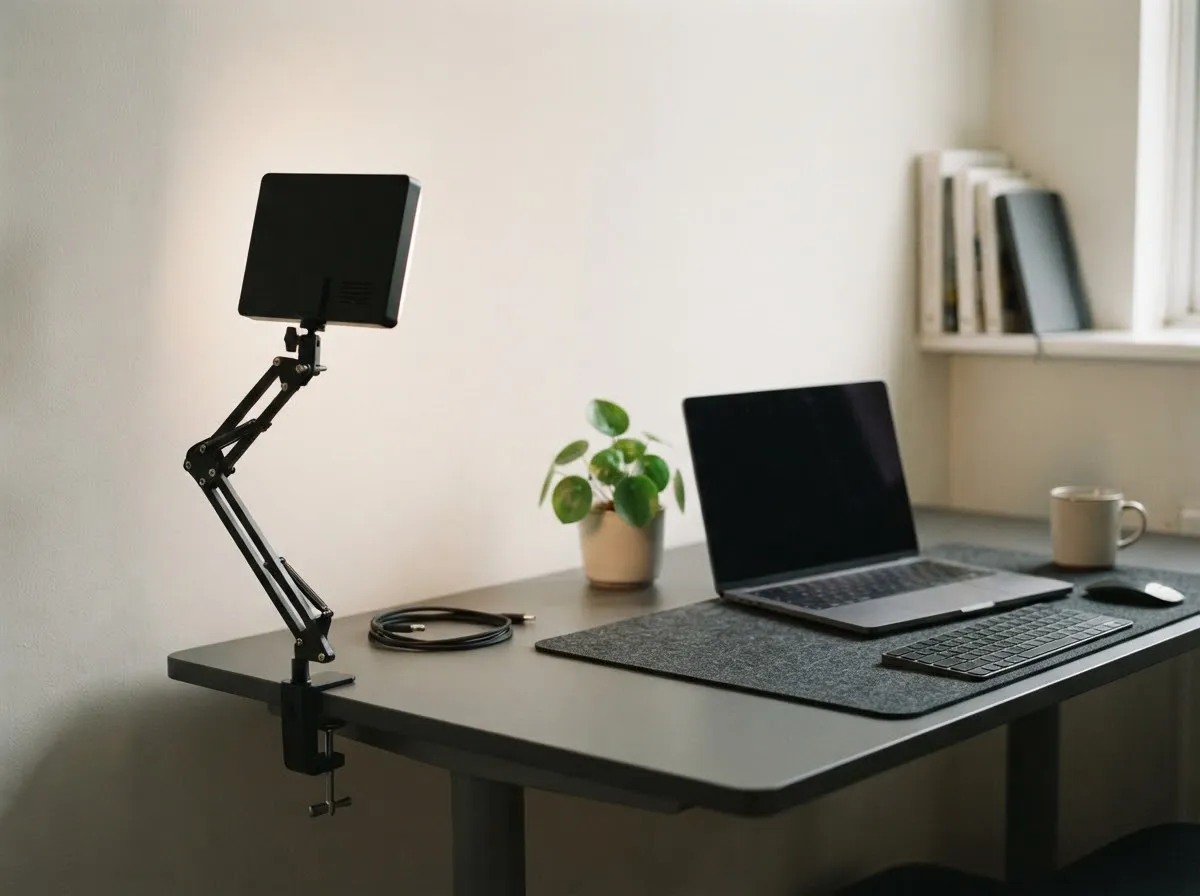
In a small bedroom or study, floor stands eat up walking room and get bumped easily. Swap them for desk-mounted hardware:
- Desk-clamp C-stands or articulated arms: Clamp directly to the back edge of your desk and position a compact LED panel above and just behind your monitor.
- Monitor-top or suction mounts: Work for ultra-lightweight pocket LEDs when your desk sits flush against a wall.
- Wall-bounce trick: If you have zero room for a softbox, aim a small bi-color LED forward at the matte white wall behind your monitor. The reflected light turns the wall into a broad, soft key light while keeping your desk clear.
Positioning your key light to avoid flat walls
The biggest problem in a small room is sitting within a couple of feet of the wall behind you. If your light points straight ahead at eye level, it illuminates you and the back wall almost equally and casts a hard shadow right behind your head.
- Raise and angle the light: Place your key light slightly above eye level and off to one side of your monitor so shadows fall downward and to the opposite side, out of frame.
- Pull your desk forward a few inches if possible: Even 12 to 18 inches of extra space between your chair and the back wall lets light fall off faster behind you, as you can verify with our light distance exposure calculator.
- Turn off the ceiling fixture: Overhead room lights cast shadows under your eyes and nose and introduce warm color casts when mixed with daylight.
For more webcam-specific placement tips, see video call lighting.
Managing windows and reflections in tight spaces
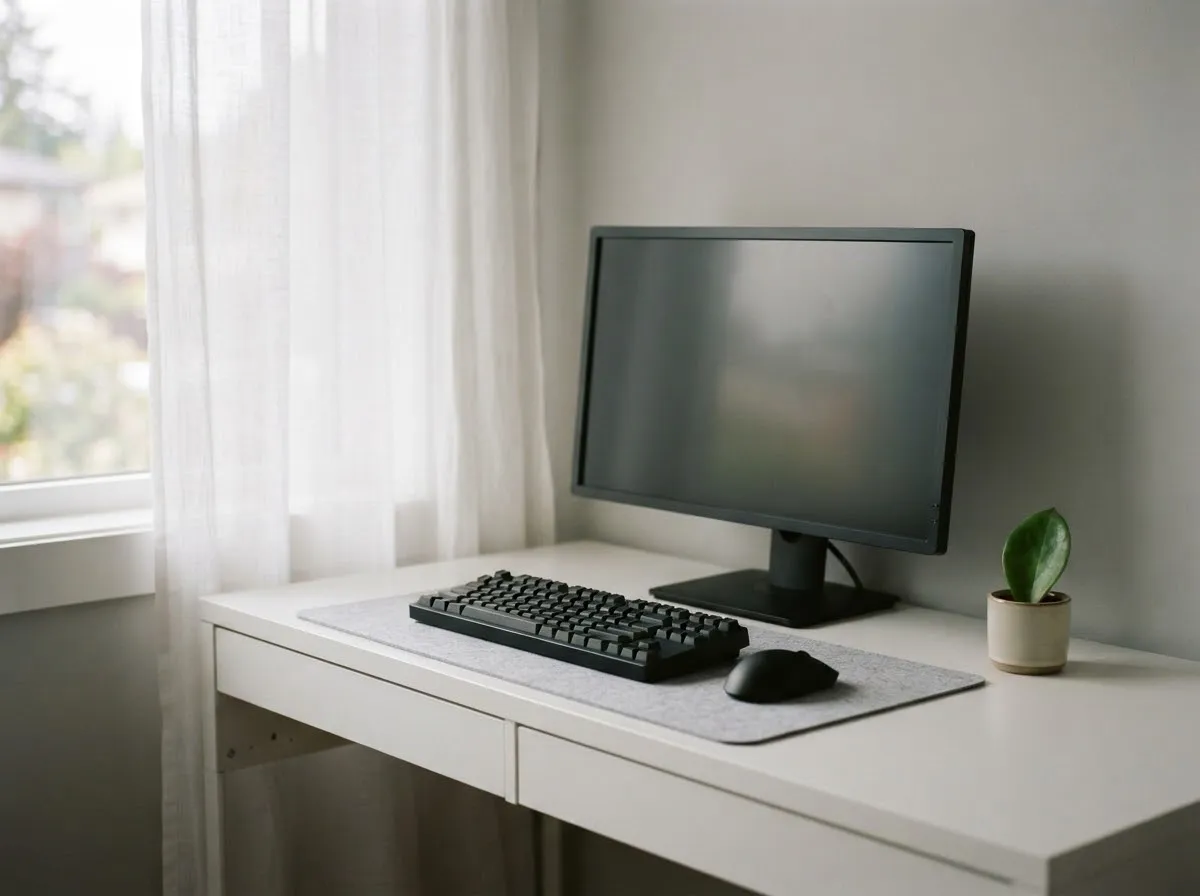
- Never put an uncovered window directly behind your chair. Backlighting forces your webcam’s auto-exposure to darken your face; see window light for video and calls for how to orient your desk.
- Match your LED to the window: If a side window is open, set your LED to 5200K–6000K to match daylight instead of fighting it.
- Raise the light if you wear glasses: Moving the panel higher and slightly further off-axis drops reflections below the lens frame, as covered in lighting for glasses and reflections.
Exposure and safety checks for desk setups
Once your light is mounted, lock your camera or webcam exposure and white balance settings so the image does not pulse when you lean forward. Keep cables tucked safely behind the desk, never block cooling vents on LED panels, and follow the fixture manual’s clearance instructions.
Checked by Fiat Lux Guides’ editorial desk against the cited sources. Read our editorial policy for how we verify specifications.
Common questions
Where do I put a video light when my desk is pushed flat against a wall?
Mount a slim LED panel on a desk-clamp arm behind your monitor, or bounce a small directional LED off the wall directly in front of you. Bouncing off a matte white wall turns the wall itself into a wide, soft light source without needing floor space for a tripod or softbox.
Why does my small room look flat or washed out on webcam?
When you sit close to a back wall and aim a light straight at your face, the light hits both you and the wall at nearly the same intensity. Raising the key light slightly above eye level and angling it 30 to 45 degrees to the side directs shadows downward and off-camera, separating you from the background.
Should I use a ring light or a flat LED panel in a tiny office?
A flat, diffused LED panel on a desk mount usually fits better behind a monitor and creates more natural rectangular catchlights, especially if you wear glasses. A ring light works well only if your camera sits inside the ring and you can angle it high enough to avoid lens glare.
How do I stop my overhead ceiling light from ruining my video?
Turn off overhead ceiling fixtures during calls. Overhead lights create dark eye sockets and often run at 2700K–3000K warm white, which clashes with daylight from a window or a 5600K LED panel. Rely on your desk key light and, if needed, a controlled window.
How bright should my desk light be in a small office?
Start with the dimmer low and raise it until your face is evenly exposed. Because light intensity rises sharply at close range (inverse square law), a lower dimmer setting at close distance reduces squinting, avoids blowing out highlights on your forehead, and lowers heat and fan noise.
What we checked
- HyperPhysics — Inverse Square Law (checked 2026-11-14) (hyperphysics.gsu.edu)
- Canon EOS R6 Product Manual — White Balance (checked 2026-11-14) (cam.start.canon)
- Aputure Help Center — amaran 60d S Safety Guidelines (checked 2026-11-14) (help.aputure.com)
You might also like
- Video Lighting Setup for Calls and YouTube
Build a clean video lighting setup for calls and YouTube using window light or continuous LEDs, simple angles, distance control, and color matching.
- Green Screen Lighting: Even Backdrop, Clean Key
Light a green screen evenly and separate your subject from the backdrop to eliminate shadows, hotspots, and green spill for clean chroma keying.
- LED Flicker on Camera: Shutter Speed and Banding
Stop LED flicker and rolling-shutter banding in video and stills by matching shutter speed to 50 Hz or 60 Hz mains and using anti-flicker tools.
- Lighting for Online Teaching and Webinars
Set up comfortable, flicker-free, low-glare lighting for multi-hour online teaching, webinars, and livestreams with steady color.
- Lighting for Talking-Head Videos
Light talking-head and interview videos cleanly with one, two, or three lights by controlling key angle, fill ratio, hair separation, and glare.
- Lighting for Glasses: Avoiding Glare on Camera
Stop glasses glare on camera using the law of reflection: raise and angle your lights, adjust screen brightness, and use anti-reflective lens coatings.