Using a Ring Light for Video Calls
Author: Fiat Lux Guides Editorial Team Reviewer: Fiat Lux Guides Editorial Team Most recently reviewed First published Filed under Video Lighting
A ring light improves video calls by wrapping even, shadowless light around your face when placed behind your webcam at or slightly above eye level. Its main drawback is circular glare in eyeglasses, which you can reduce by raising and angling the ring off-axis or switching to an angled LED panel.
Belongs to the guide: Video Lighting Setup for Calls and YouTube
Checked by Fiat Lux Guides’ editorial desk against the cited sources.
A ring light is one of the simplest ways to upgrade a dark, grainy webcam feed in a video light rig basics. By placing a circular, diffused LED source directly around or behind your camera lens, it eliminates harsh under-eye shadows and gives your webcam enough clean light to lower its ISO noise.
Still, simply turning a ring light on at full blast in front of your monitor often creates new problems: blown-out foreheads, flat “mugshot” lighting, or glowing white circles in your glasses. Getting a natural look for video meeting lighting comes down to three things: placement, brightness, and color temperature.
How does a ring light work on video calls?
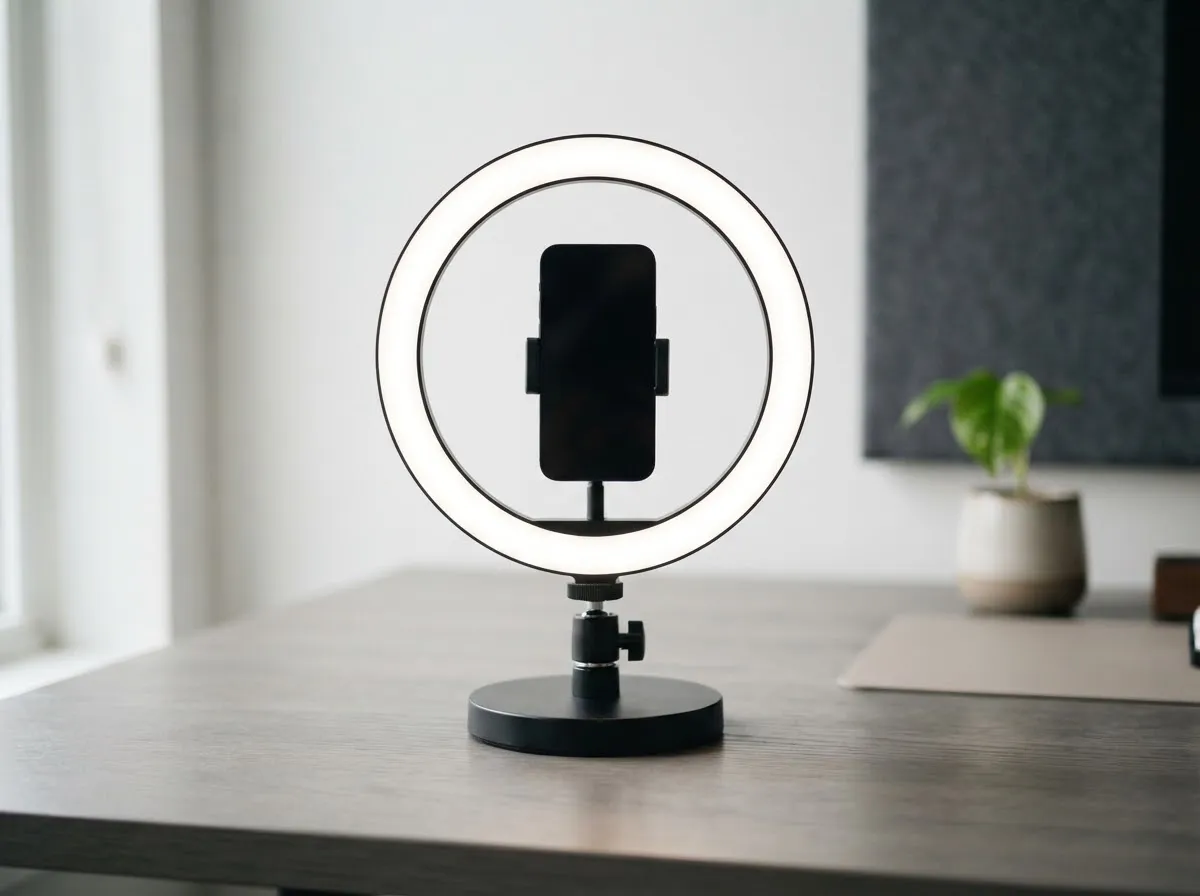
A ring light wraps even, low-shadow light around your face because the light source sits almost directly on the camera’s line of sight. For example, the Elgato Ring Light (a desktop model Elgato has since discontinued) measures 43.2 cm (17 inches) across, with an open center where a camera can sit.
Because the light comes from all sides of the lens at once, shadows from your nose or brow are largely hidden from the camera’s view. That makes ring lights forgiving on tight desks where you do not have space for two separate stands—though it also means less side-to-side facial contrast than a YouTube lighting setup on a budget using an angled key light.
Where should you place a ring light for video calls?
Place the ring light behind your monitor or laptop screen, centered with your camera and slightly above eye level.
Follow this quick setup sequence:
- Mount behind the screen, not beside your keyboard: Putting a ring light too low creates upward “campfire” shadows; putting it behind your monitor keeps your gaze natural.
- Raise it slightly above eye level: Angling the ring gently downward mimics natural overhead daylight and keeps the brightest reflection off the center of your eyes.
- Give it breathing room: Pulling the ring a little farther back from your face (rather than inches from your nose) widens the light spread and softens glare on skin. Remember that brightness drops quickly with distance—see inverse square law of light if you move it across a deep desk.
How to avoid ring light glare in glasses
If you wear glasses, the only reliable way to remove circular ring reflections is to break the direct reflection angle between the ring, your lenses, and the webcam. Flat eyeglass lenses act like mirrors when a light sits directly behind the webcam.
Try these three adjustments in order:
- Raise the ring light higher above your monitor and tilt it downward toward your face.
- Move the ring light off to one side (roughly 30 to 45 degrees off-axis from the webcam) so the light hits your face from an angle while its reflection bounces away from the camera lens.
- Tilt your glasses temples slightly up at the ears if your frames allow, angling the lenses downward just enough to clear the webcam’s line of sight.
If you wear glasses all day and hate moving your light around, an angled rectangular LED panel (covered in LED panel vs ring light) is usually easier to keep glare-free than a ring.
What brightness and Kelvin settings look best?
Match your ring light’s brightness to your room and match its Kelvin color temperature to your ambient light.
- Brightness: Desktop ring lights like the Elgato Ring Light can output up to 2,500 lumens, which is far too bright at close desk distance. Dial brightness down until your face is clearly brighter than the wall behind you without clipping highlights on your forehead or cheeks.
- Color temperature (Kelvin): Adjustable bi-color ring lights vary; the Elgato Ring Light, for example, lists 2,900 K to 7,000 K. If you are next to a window during the day, set the ring near 5,000 K–5,600 K so your face does not turn orange next to cool window light for video and calls. At night under warm desk lamps, lower it to 3,200 K–4,000 K. You can check reference values in our Kelvin color temperature chart.
- Color accuracy (CRI): Look for a ring light rated above 90 CRI, and check the maker’s own spec sheet, since not every product page states a CRI figure. CRI is an average of eight pastel samples that leaves out saturated colors, so treat it as a rough guide to skin-tone accuracy rather than a guarantee.
When should you skip a ring light for a panel?
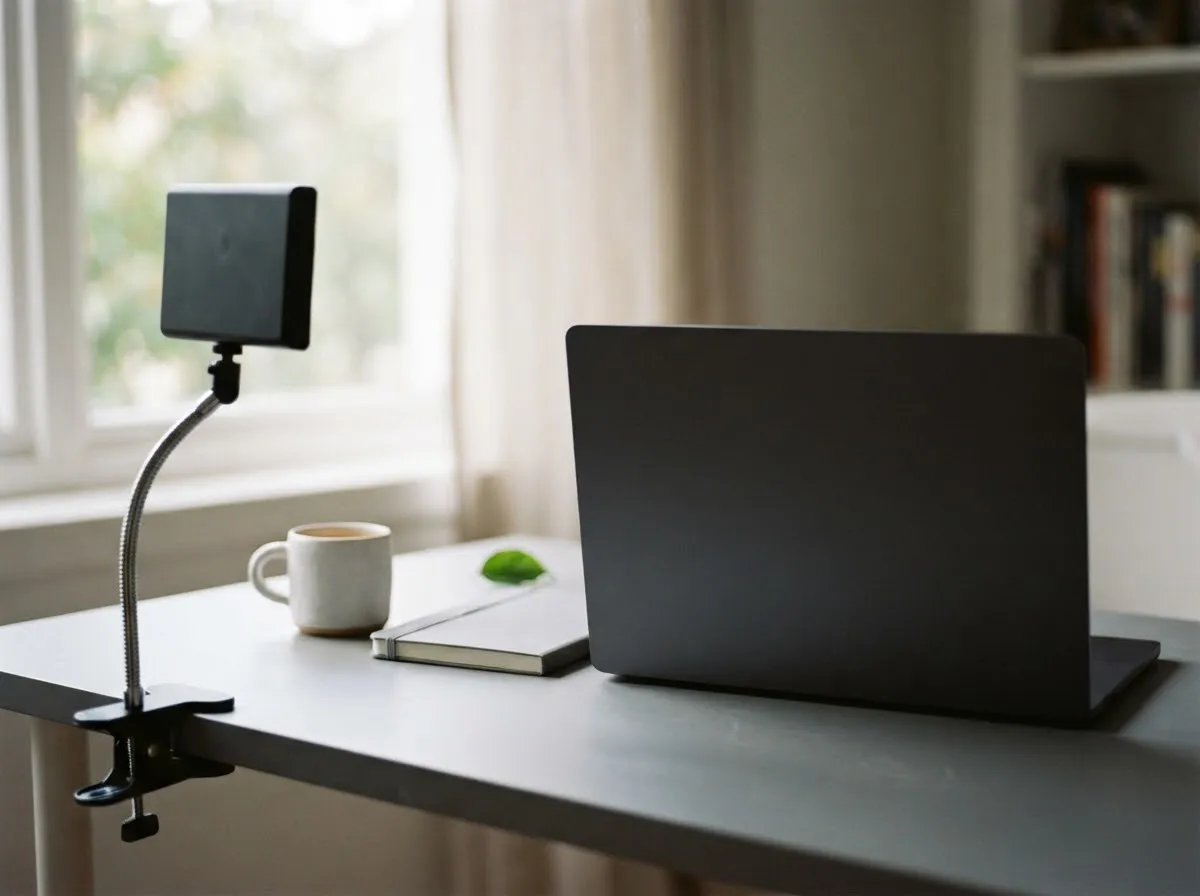
A ring light is a great one-piece tool for quick calls on a small desk, but an off-axis LED panel or softbox works better if:
- You wear glasses on every call and want zero circular catchlights.
- You want subtle shadow depth on one side of your face for YouTube, webinars, or recorded presentations.
- You already have good front window light and only need a gentle fill or hair light.
Always follow the maker’s manual for mounting clamps and power adapters on your desk. For more on how we verify product specs and color science, see our sourcing rules.
Common questions
Where should I put a ring light for a Zoom or Teams call?
Place the ring light directly behind your monitor or laptop webcam, centered on your face and raised slightly above eye level. Keeping the webcam at the center of the ring gives even front fill, while raising the ring higher reduces harsh nose shadows and softens reflections if you wear glasses.
How do I stop a ring light from reflecting in my glasses?
Because a ring light sits directly on the camera axis, its bright circle reflects straight back from flat eyeglass lenses. Raise the ring light higher above your monitor, tilt it slightly downward, and shift it 30 to 45 degrees to one side of the webcam so the reflection angle misses the lens.
What color temperature (Kelvin) should I set my ring light to?
Match your ring light to the other light in your room. If you sit near a window during the day, set the ring light near 5,000 K–5,600 K daylight; if you take calls at night with warm desk lamps, set it closer to 3,200 K–4,000 K so your webcam's auto white balance stays natural.
How bright should a ring light be for video calls?
Start at a low-to-medium brightness setting—for example 20% to 50%—and adjust while watching your webcam preview. Turning a ring light to 100% right in front of your face can clip highlights on your forehead, cause eye strain, and make the background look pitch dark.
Is a ring light or an LED panel better for video calls?
A ring light is simple for a single-light, centered desk setup when you do not wear glasses and want minimal shadows. An LED panel placed slightly off to one side creates more natural facial dimension, avoids dead-center glasses glare, and works better if you record longer YouTube or teaching videos.
What we checked
You might also like
- Video Lighting Setup for Calls and YouTube
Build a clean video lighting setup for calls and YouTube using window light or continuous LEDs, simple angles, distance control, and color matching.
- Green Screen Lighting: Even Backdrop, Clean Key
Light a green screen evenly and separate your subject from the backdrop to eliminate shadows, hotspots, and green spill for clean chroma keying.
- LED Flicker on Camera: Shutter Speed and Banding
Stop LED flicker and rolling-shutter banding in video and stills by matching shutter speed to 50 Hz or 60 Hz mains and using anti-flicker tools.
- Lighting a Small Home Office for Video
How to light a cramped home office or bedroom desk for sharp, flattering video calls and recordings without bulky stands or wall glare.
- Lighting for Online Teaching and Webinars
Set up comfortable, flicker-free, low-glare lighting for multi-hour online teaching, webinars, and livestreams with steady color.
- Lighting for Talking-Head Videos
Light talking-head and interview videos cleanly with one, two, or three lights by controlling key angle, fill ratio, hair separation, and glare.