Shutter Speed, Aperture, ISO and Light
Author: Fiat Lux Guides Editorial Team Reviewer: Fiat Lux Guides Editorial Team Most recently reviewed First published Filed under Setups and Exposure
Shutter speed, aperture, and ISO control image brightness in stops, where each full stop doubles or halves the light recorded. Aperture sets lens opening and depth of field, shutter speed sets exposure duration and motion blur, and ISO amplifies the sensor signal. Balancing all three matches camera exposure to your available light.
Belongs to the guide: Three-Point Lighting Explained for Beginners
Checked by Fiat Lux Guides’ editorial desk against the cited sources.
Every lighting setup—from three-light setup indoors to natural light outdoors—only looks right when your camera’s exposure settings match the light on your subject. Shutter speed, aperture, and ISO are the three controls that determine how much light the sensor records and how motion, depth of field, and image noise behave.
How stops connect shutter speed, aperture, and ISO
All three exposure controls use the same universal currency: stops of light, where +1 stop doubles the recorded light and -1 stop cuts it in half. Because they share this base-2 scale, you can trade one setting for another—such as opening the aperture by 1 stop while speeding up the shutter by 1 stop—without changing overall image brightness. For a deeper dive into stops and light power, see exposure basics for lighting.
| Control | +1 stop (doubles brightness) | -1 stop (halves brightness) | Secondary visual effect |
|---|---|---|---|
| Aperture | Open up (e.g., f/5.6 to f/4) | Stop down (e.g., f/4 to f/5.6) | Shallower or deeper depth of field |
| Shutter speed | Double time (e.g., 1/250 s to 1/125 s) | Halve time (e.g., 1/125 s to 1/250 s) | Motion blur vs. frozen action |
| ISO | Double value (e.g., ISO 200 to 400) | Halve value (e.g., ISO 400 to 200) | More or less electronic sensor noise |
Aperture: light volume and depth of field
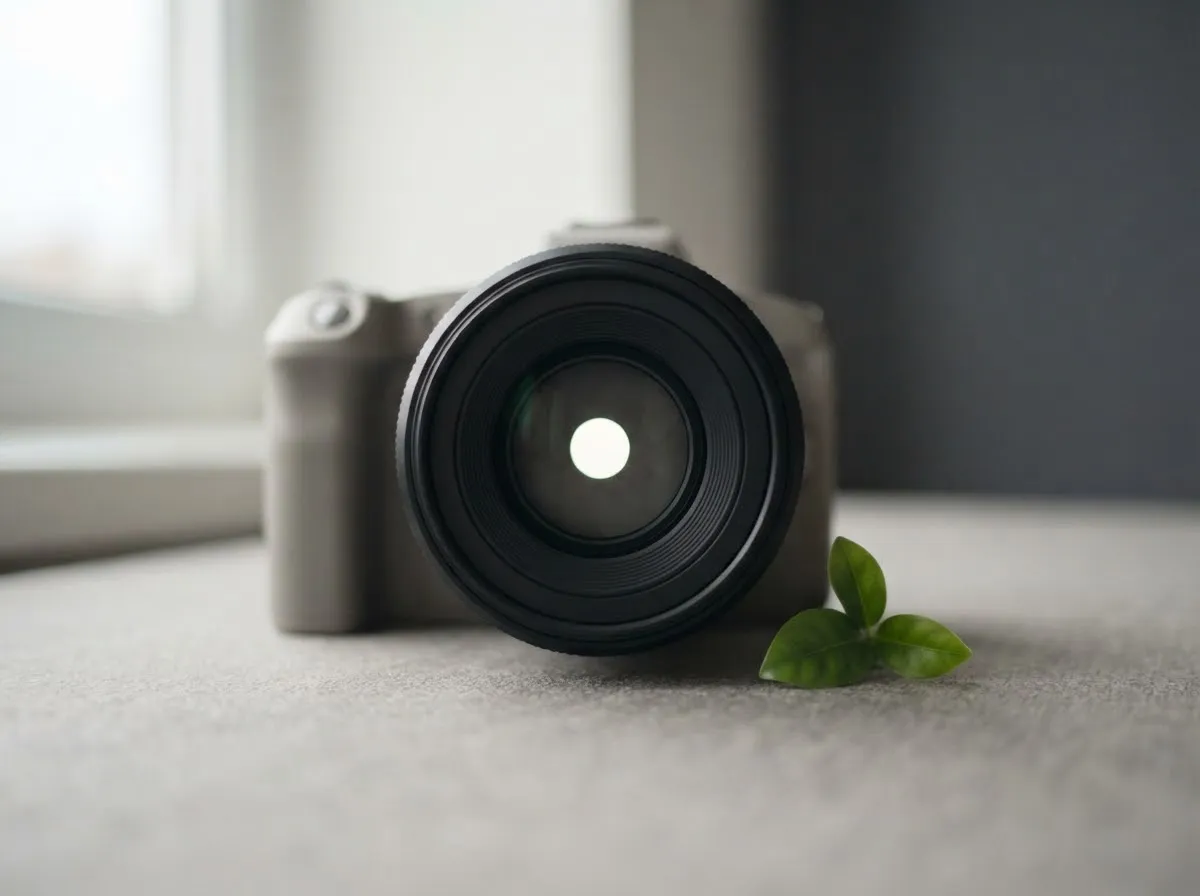
Aperture is the adjustable diaphragm inside the lens that controls how wide the light opening is. Standard full-stop f-numbers follow the sequence f/1.4, f/2, f/2.8, f/4, f/5.6, f/8, f/11, and f/16, where each step to a higher number halves the light entering the lens; Fujifilm gives the example of f/4 to f/5.6 cutting light in half. Nikon notes that lower f-numbers represent larger apertures and give more exposure.
- Wider apertures (lower f-numbers like f/1.8 or f/2.8) admit more light for dim scenes and blur the background behind your subject.
- Narrower apertures (higher f-numbers like f/8 or f/11) admit less light and keep more of the scene—from foreground to background—in sharp focus, which is useful for group portraits and product photography.
Shutter speed: exposure time and motion
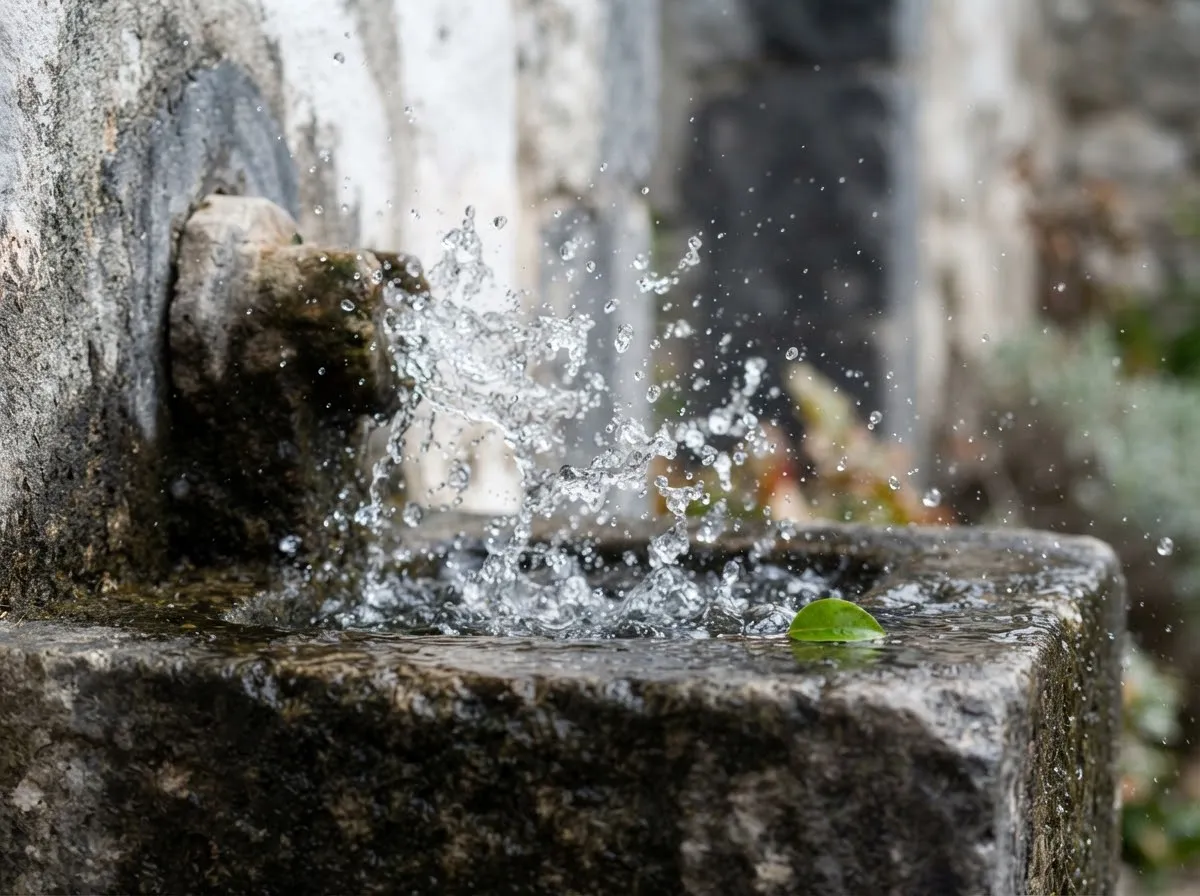
Shutter speed is the length of time the camera’s shutter exposes the sensor to light, measured in seconds or fractions of a second. Doubling the duration (for example, 1/250 s to 1/125 s) adds 1 full stop of light. According to Nikon’s motion guide, a fast shutter speed can freeze action and a slow one can let it blur.
- With continuous light (LEDs, windows, sun): Shutter speed directly controls image brightness. Slowing the shutter gathers more light on a tripod, while faster shutter speeds freeze moving subjects.
- With video: Shutter speed is typically tied to your frame rate to keep motion natural rather than choppy.
- With flash or strobes: A flash burst lasts only a tiny fraction of a second, so changing shutter speed (up to your camera’s flash sync speed) alters the ambient room brightness without changing the flash exposure on your subject.
ISO: signal amplification and noise
ISO controls how strongly the camera amplifies the electrical signal from the sensor. Doubling the ISO number (such as ISO 100 to ISO 200) brightens the image by 1 stop, but as Nikon’s ISO guide explains, higher ISO produces more digital noise, the equivalent of film grain.
Keeping ISO at or near the camera’s lowest native value generally produces the cleanest tones. When a scene is too dark at your desired aperture and shutter speed, adding physical light—or moving a continuous light closer under the inverse square law, which you can model in our light distance exposure calculator—gives cleaner results than pushing ISO high. As noted in Sony’s exposure guide, cameras in Manual mode with Auto ISO can also use exposure compensation to adjust brightness automatically within your chosen aperture and shutter limits.
Choosing settings for common lighting scenarios
Use these starting priorities to balance brightness with your creative goals, and check key-to-fill ratio explained when shaping contrast between lights.
- Bright outdoor daylight: Start at your camera’s base ISO, pick your aperture for depth of field, and raise shutter speed to control brightness.
- Indoor window or continuous LED video: Lock shutter speed to match your frame rate, open the aperture to control background blur and admit light, and keep ISO as low as your light output allows.
- Indoor studio flash or speedlight: Set shutter speed at or below your camera’s flash sync speed, set aperture for depth of field and flash exposure, keep ISO low, and adjust flash power or distance to dial in brightness.
How we verify technical camera and lighting facts is explained in our editorial policy.
Common questions
What is a stop of light in photography?
A stop is a relative measure representing a doubling (+1 stop) or halving (-1 stop) of the light recorded in an exposure. Because aperture, shutter speed, and ISO are all calibrated in stops, changing one setting by +1 stop and another by -1 stop keeps overall image brightness identical.
Which setting should I change first when my photo is too dark?
Start by checking whether you can add physical light or open your aperture, since both capture more real light without adding electronic noise. Next, slow your shutter speed as far as your subject's motion or tripod stability allows. Raise ISO last when aperture and shutter speed reach their practical limits.
Why does aperture use smaller numbers for bigger openings?
An f-number (such as f/2.8 or f/8) is a ratio of the lens focal length divided by the entrance pupil diameter (f/N). Because the aperture number sits in the denominator, a smaller number like f/2 represents a wider physical opening than f/16.
Does shutter speed affect flash brightness the same way as continuous light?
No. A studio strobe or speedlight fires a brief burst lasting a tiny fraction of a second—much faster than normal shutter speeds—so changing shutter speed within your camera's sync range mainly alters ambient room light while leaving flash exposure unchanged. Flash exposure is controlled by aperture, ISO, flash power, and distance.
Why does raising ISO make low-light photos look grainy?
ISO does not collect more physical light through the lens; instead, it amplifies the electrical signal coming off the sensor. When the incoming light is weak, amplifying the signal also amplifies random electronic sensor noise, which shows up as grain and color speckling in shadows.
What we checked
- Nikon USA: Understanding Maximum Aperture, checked 2026-11-14 (nikonusa.com)
- Nikon USA: Capturing or Freezing Motion in Photos (Shutter Speed), checked 2026-11-14 (nikonusa.com)
- Nikon USA: ISO Control, checked 2026-11-14 (nikonusa.com)
- Fujifilm X: What Is a Stop of Light in Photography, checked 2026-11-14 (shopusa.fujifilm-x.com)
- Sony Help Guide: Exposure Compensation and ISO, checked 2026-11-14 (helpguide.sony.net)
You might also like
- Three-Point Lighting Explained for Beginners
Learn three-point lighting—key light, fill light, and backlight—plus how source size controls shadow softness and how distance and stops control exposure.
- Common Lighting Mistakes in Photo and Video
Spot and fix the most common photo and video lighting mistakes: mixed color casts, flat on-axis light, harsh overhead shadows, and distance falloff.
- Exposure Basics for Lighting: Stops, ISO, Aperture, Power
Understand how stops of light connect aperture, shutter speed, ISO, and flash or LED power so you can adjust lighting exposure accurately.
- Hard Light vs Soft Light: What Changes the Shadows
Compare hard light vs soft light in photography and video: how source size, distance, and penumbra geometry control shadow edge softness.
- Headshot Lighting at Home
Set up clean headshot lighting at home with a window or a single LED or strobe, covering light angle, background separation, and shadow fill.
- The Inverse Square Law of Light for Photographers
Learn how the inverse square law controls light falloff, exposure stops, and background separation in photography and video.